In the world of business operations, IT support, and customer success, clarity is king. Inconsistent processes lead to errors, wasted time, and frustrated teams. To combat this chaos, organizations rely on structured documentation. Two terms that frequently surface are Standard Operating Procedures (SOPs) and work instructions. While often used interchangeably, they represent two distinct levels of documentation with unique purposes. Understanding the nuances of SOPs vs work instructions is not just a matter of semantics; it's fundamental to building a scalable, efficient, and compliant operational framework.
Many organizations struggle because they either create documents that are too vague to be useful or so detailed that they become overwhelming and are ignored. The key is to understand that SOPs and work instructions are not rivals but partners in a well-oiled documentation ecosystem. An SOP provides the strategic overview-the 'what' and 'why'-while a work instruction delivers the tactical, step-by-step guidance-the 'how'. This guide will dissect the critical differences between them, explore their respective strengths and weaknesses, and help you determine which to use and when, ensuring your team has the precise information it needs to excel.
Standard Operating Procedures (SOPs): The Big Picture
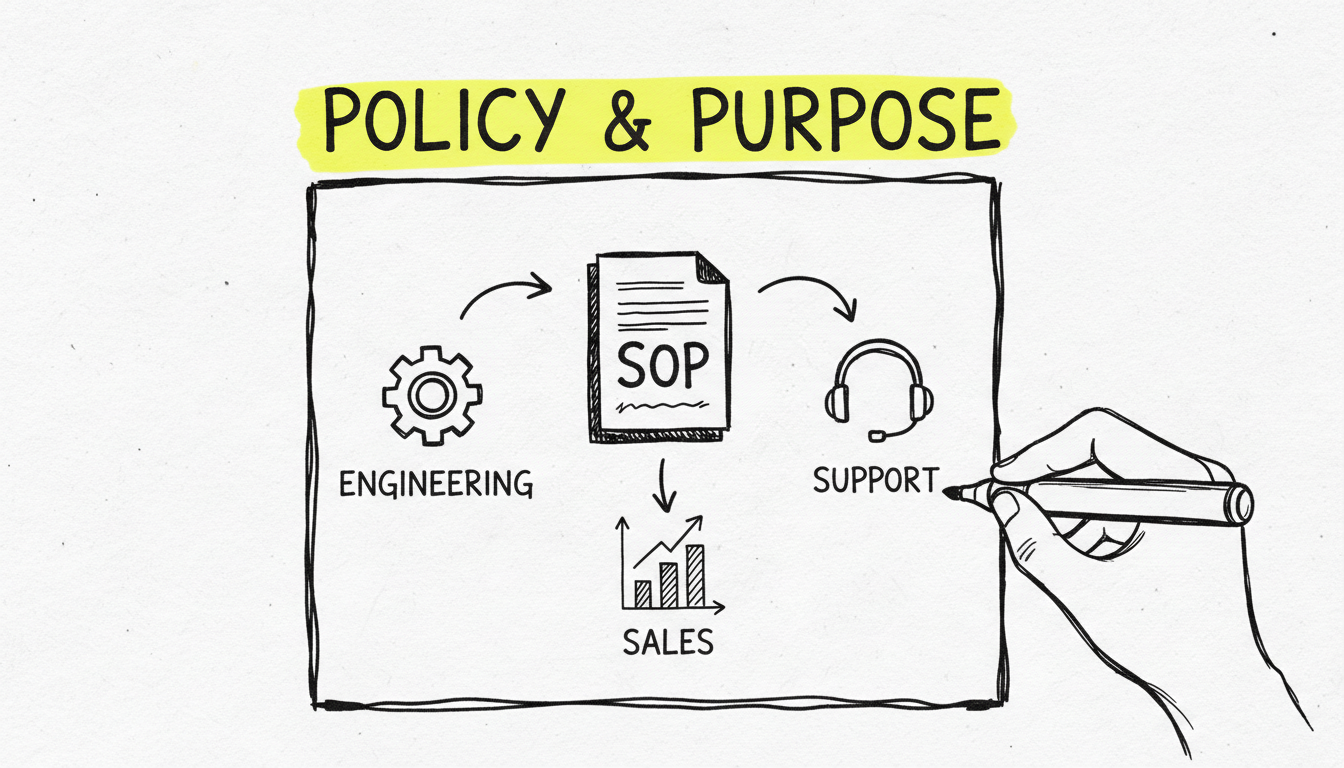
Standard Operating Procedures, or SOPs, are high-level documents that outline the established or prescribed method for performing a routine task or process within an organization. Think of an SOP as a policy document that sets the standard for how a recurring operation should be conducted to ensure consistency and quality. It answers the fundamental questions of what needs to be done, why it's important, and who is responsible. (For a full introduction with industry examples, see our guide on what SOPs are and how to implement them.)
The primary goal of an SOP is to achieve efficiency, quality output, and uniformity of performance while reducing miscommunication and failure to comply with industry regulations. For example, in an IT department, an SOP might govern the company's overall 'Data Backup and Recovery Policy'. This document wouldn't detail every single click to initiate a backup on a specific server. Instead, it would define the scope of the policy, the roles and responsibilities of the IT staff, the required frequency of backups (e.g., daily incremental, weekly full), the type of data to be backed up, and the high-level steps for recovery in case of a disaster. It establishes the rules of the game, ensuring everyone understands the objective and their part in achieving it.
SOPs are foundational for compliance with standards like ISO 9001, which requires organizations to document their key processes. They provide auditors and management with a clear view of how the organization intends to operate, serving as a critical piece of process documentation that links strategy to execution.
The Strengths of SOPs
SOPs are the backbone of a consistent and compliant organization. Their high-level nature provides several key advantages:
Ensuring Consistency and Quality: By defining a standard way of performing a task, SOPs ensure that every employee follows the same steps, leading to predictable and high-quality outcomes regardless of who is performing the work. This is crucial for scaling operations.
Facilitating Compliance: In regulated industries (like finance, healthcare, or manufacturing), SOPs are non-negotiable. They provide documented proof that the organization adheres to legal and industry standards, which is essential during audits.
Streamlining Training: SOPs serve as excellent training materials for new employees during the onboarding process. They provide a clear overview of the company's core processes and expectations without overwhelming newcomers with excessive detail.
Defining Roles and Responsibilities: A well-written SOP clearly outlines who is responsible for each part of the process. This eliminates confusion, improves accountability, and prevents tasks from falling through the cracks.
Preserving Institutional Knowledge: SOPs capture the essential knowledge of how an organization runs. When an experienced employee leaves, the SOP ensures that their understanding of critical processes remains within the company, preventing knowledge loss.
The Limitations of SOPs
Despite their importance, SOPs have limitations, primarily stemming from their high-level focus. Relying solely on SOPs for task execution can lead to significant problems:
Lack of Granular Detail: An SOP tells you what to do, but rarely how to do it in minute detail. For a complex software task, an SOP stating "Update customer record in CRM" is insufficient for a new employee who doesn't know which buttons to click or in what order.
Potential for Misinterpretation: Because they lack specific, step-by-step instructions, different individuals might interpret the high-level guidance of an SOP in different ways. This can lead to inconsistencies, defeating the very purpose of the document.
Can Become Outdated: Business processes evolve. If SOPs are not regularly reviewed and updated, they can become obsolete, leading teams to follow outdated procedures that may be inefficient or non-compliant.
Not Suitable for Complex, Multi-Step Tasks: For tasks that require a precise sequence of actions, especially in software or on machinery, an SOP is simply not detailed enough to prevent errors. It provides the destination but not the turn-by-turn directions.
Work Instructions: The Detailed Blueprint
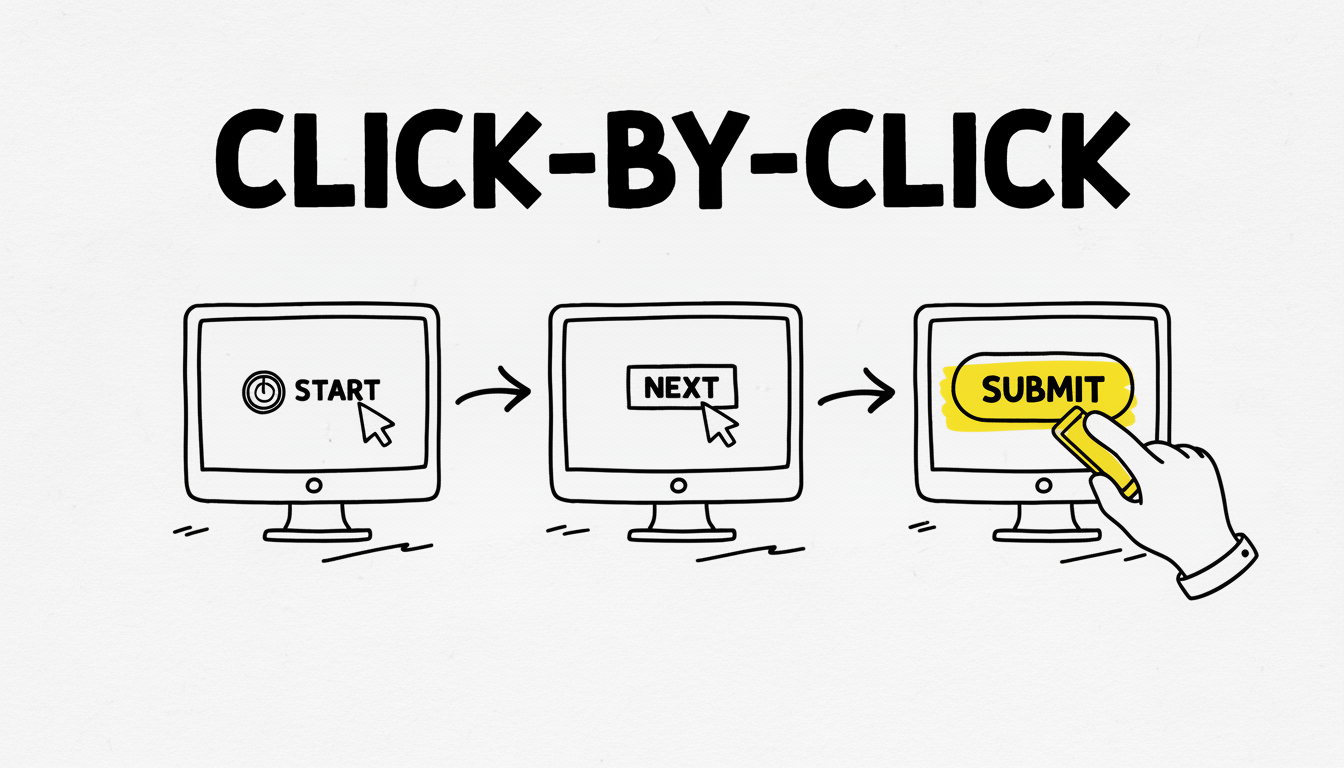
If an SOP is the strategic map, a work instruction is the detailed, turn-by-turn GPS navigation. Work instructions are highly detailed documents that provide a precise, sequential breakdown of how to perform a specific task within a larger process governed by an SOP. They are the 'how-to' guides that leave no room for ambiguity.
Continuing the previous example of an IT department's 'Data Backup and Recovery Policy' (the SOP), a corresponding work instruction might be titled 'How to Perform a Manual Backup of the Primary SQL Server'. This document would be a step-by-step guide detailing every action required: '1. Open the SQL Server Management Studio application. 2. Right-click on the 'Databases' folder. 3. Navigate to Tasks > Back Up...'. This level of detail ensures that any qualified technician, regardless of their prior experience with that specific server, can perform the task correctly and safely.
This is where tools designed for creating clear, visual guides excel. For instance, a tool like Folge is purpose-built for generating this type of granular workflow documentation. An IT support professional can simply perform the task once, and Folge's screen capture technology will automatically document every click and action, creating a visual step-by-step guide. They can then use built-in annotation tools to add arrows, text, or blur sensitive information, transforming a complex process into an easy-to-follow tutorial. This dramatically reduces the time and effort required to create effective work instructions.
The Advantages of Work Instructions
Work instructions are the key to error-proofing your operations and empowering your employees. Their benefits are most apparent at the task level:
Drastically Reduces Errors: By providing clear, unambiguous steps, work instructions minimize the chance of human error. This is especially critical for complex or high-stakes tasks where a single mistake can be costly.
Increases Efficiency and Productivity: When employees have a clear guide to follow, they spend less time guessing, asking questions, or correcting mistakes. This directly translates to faster task completion and higher overall productivity. As research on visual work instructions shows, they can significantly improve operator performance and reduce assembly time.
Empowers New and Inexperienced Staff: Detailed work instructions are invaluable for training. A new hire can become proficient in a task much faster when they have a guide to follow, reducing the training burden on senior staff.
Ensures Procedural Adherence: For tasks where the sequence of operations is critical for safety or quality, work instructions ensure that the correct procedure is followed every single time.
Simplifies Complex Tasks: By breaking down a complex process into small, manageable steps, work instructions make even the most daunting tasks approachable for employees at all skill levels.
The Drawbacks of Work Instructions
While incredibly powerful, work instructions are not without their challenges, particularly concerning their creation and maintenance:
Time-Consuming to Create Manually: Documenting every single step of a process, especially with screenshots and annotations, can be an incredibly tedious and time-consuming endeavor. This is a major barrier for many teams.
Difficult to Keep Updated: Software interfaces and processes change frequently. A work instruction created for version 1.0 of an application may be useless for version 2.0. Keeping a large library of work instructions current requires a dedicated maintenance effort.
Risk of Over-Documentation: Creating work instructions for every single minor task can lead to a bloated and unmanageable documentation system. It's important to focus on tasks that are complex, critical, or frequently performed incorrectly.
Can Stifle Critical Thinking (If Poorly Implemented): If work instructions are too rigid and don't explain the 'why' behind the steps, they can encourage employees to follow them blindly without understanding the context. This can be problematic when unexpected situations arise.
Head-to-Head Comparison: SOPs vs Work Instructions
To truly grasp the relationship between SOPs vs work instructions, a direct comparison is essential. While they work together, their scope, purpose, and format are fundamentally different. The table below breaks down these key distinctions.
| Feature | Standard Operating Procedure (SOP) | Work Instruction (WI) |
|---|---|---|
| Purpose | To define the standard and policy for a recurring process. (The 'What' & 'Why') | To provide detailed, step-by-step guidance for a specific task. (The 'How') |
| Scope | Broad, high-level. Covers an entire process from start to finish. | Narrow, granular. Covers a single task within a larger process. |
| Level of Detail | Low to medium. Focuses on policies, roles, and major stages. | Very high. Details every action, click, and decision point. |
| Audience | Management, auditors, team leads, and employees needing a process overview. | Front-line employees, technicians, and operators performing the task. |
| Format | Often text-based, may include flowcharts or decision trees. | Highly visual, often includes screenshots, diagrams, and checklists. |
| Example | "Employee Expense Reimbursement Policy" | "How to Submit an Expense Report in Concur" |
| Key Question It Answers | "What is our standard process for handling this?" | "How do I complete this specific step correctly?" |
This table clarifies that you don't choose one over the other; you use them to complement each other. The SOP sets the stage, and the work instruction directs the actors.
The Future of Documentation: Visuals, Automation, and Clarity
The days of dusty, text-heavy binders are numbered. The future of effective process documentation is visual, interactive, and easily accessible. This shift is not just about preference; it's rooted in how the human brain processes information. Our brains are wired to process visual information incredibly fast. In fact, studies in neuroscience show that visuals are processed 60,000 times faster than text, and that following directions with text and illustrations is 323% better than following directions without illustrations.
This is where the distinction between SOPs and work instructions becomes even more critical. While SOPs can often remain as structured text documents, work instructions gain immense power when they become visual. A visual work instruction, built with annotated screenshots and clear indicators, removes ambiguity far more effectively than a paragraph of text ever could. For an IT support specialist trying to guide a user through a troubleshooting process, or a customer success manager creating an onboarding tutorial, a visual guide is the gold standard.
However, the primary obstacle has always been the effort required to create this high-quality visual documentation. This is the problem that modern tools are solving. Automation is key. Tools like Folge are at the forefront of this evolution. By automating the most tedious part of the process-the screen capture and step sequencing-they empower subject matter experts to create comprehensive visual guides in minutes, not hours. This technology bridges the gap between the need for detailed work instructions and the resources available to create them.
Furthermore, the ability to operate securely on a user's machine is paramount. Because Folge is a desktop tool that offers local operation, all data and captured information remain private and secure on the user's computer. This is a critical consideration for businesses documenting proprietary processes or handling sensitive information, making it a trusted choice for IT and business analysis teams.
Choosing the Right Tool for the Job: When to Use Which
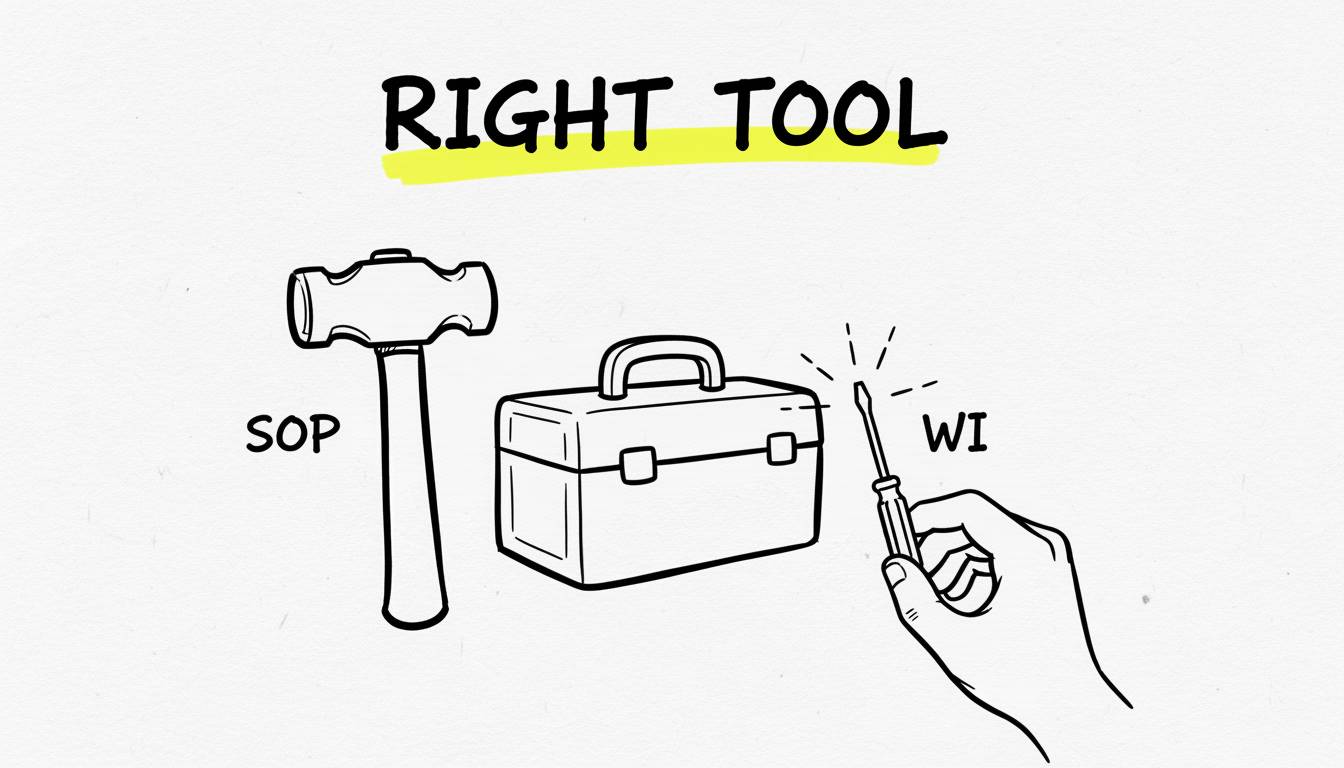
Understanding the theory behind SOPs vs work instructions is one thing; applying it correctly is another. The decision of whether to create an SOP, a work instruction, or both depends entirely on the context of the process and the needs of the audience.
Here's a practical framework to guide your decision:
When to Create an SOP:
You need to establish a company-wide policy. If the process affects multiple departments and requires a consistent, high-level approach (e.g., hiring, procurement, security protocols), an SOP is essential.
You are preparing for an audit or certification. For compliance with standards like ISO 9001, HIPAA, or GDPR, you need documented SOPs that define your standard procedures.
The process involves multiple roles and handoffs. SOPs are excellent for mapping out workflows that span different teams, clarifying who is responsible for what at each stage.
You are defining the 'rules of engagement' for a system. An SOP can outline the governance for using a shared resource like a CRM or a project management tool, without detailing every single function.
When to Create a Work Instruction:
The task is complex and has a high risk of error. Any procedure where a mistake could lead to safety issues, data loss, or significant costs requires a detailed work instruction.
You are training new employees on a specific software or piece of equipment. A visual, step-by-step work instruction is the most effective way to get new hires up to speed quickly and reduce their reliance on senior staff.
A task is performed infrequently. When employees perform a task only once a month or once a quarter, they are unlikely to remember the exact steps. A work instruction serves as a perfect job aid.
You are troubleshooting common issues. IT support and customer success teams can create a library of work instructions to resolve recurring problems, allowing them to resolve tickets faster and even empower users to self-serve.
Pro Tip: Often, the best approach is a hybrid one. Start with a high-level SOP that outlines the overall process. Then, within that SOP, link out to specific work instructions for the more complex or critical tasks. This creates a layered documentation system that is both comprehensive and easy to navigate.
For teams focused on creating these granular guides, the choice of tool is critical. Manually taking screenshots, pasting them into a document, and adding annotations is a slow, painful process. A dedicated solution like Folge automates this entire workflow. By capturing your actions as you perform them, it builds the visual guide for you, allowing you to focus on adding context and clarity. This makes it the ideal platform for generating the detailed work instructions needed by IT support, customer success, and training teams.
Conclusion
The debate over SOPs vs work instructions is not about choosing a winner. It's about recognizing that they are two essential components of a complete documentation strategy. SOPs provide the high-level framework, ensuring consistency and compliance across the organization. Work instructions provide the granular, step-by-step guidance, ensuring tasks are performed correctly and efficiently at the ground level.
By understanding their distinct roles, you can build a documentation ecosystem that empowers your team, reduces errors, and scales with your business. An SOP without supporting work instructions can be too vague to be actionable, while work instructions without the guiding principles of an SOP can lead to inconsistency. When used together, they create a powerful synergy, providing both the 'why' and the 'how' for every critical process in your organization. The key is to analyze your needs, identify the gaps, and use the right type of document-and the right tools-to bring clarity to your operations.
Frequently Asked Questions
Can a single document be both an SOP and a work instruction?
In most cases, no. Attempting to combine them usually results in a document that is too vague for task execution and too cluttered for a policy overview. It's best practice to keep them separate but linked. The SOP can reference the specific work instructions that fall under its scope.
How often should SOPs and work instructions be reviewed?
This depends on the volatility of the process. A good rule of thumb is to review all documentation at least annually. However, for processes involving software that updates frequently or for rapidly changing business procedures, reviews should be conducted quarterly or whenever a significant change occurs.
What is the ideal format for a work instruction?
A highly visual format is most effective. This typically includes a combination of numbered steps with clear action-oriented text, supported by annotated screenshots, diagrams, or even short video clips for each step. The goal is to show, not just tell.
Do I need a work instruction for every task?
No, that would lead to documentation overload. Prioritize creating work instructions for tasks that are high-risk, complex, performed infrequently, or are common sources of errors and support questions. Focus your efforts where they will have the most impact on quality and efficiency.
What's the difference between a process, an SOP, and a work instruction?
Think of it as a hierarchy. A 'process' is the overall sequence of activities to achieve a result (e.g., the entire customer onboarding process). The 'SOP' is the official document that governs that process, defining policies and roles. A 'work instruction' is a detailed guide for a single task within that process (e.g., how to configure a new user's account in the software).
Get started with Folge today for free.