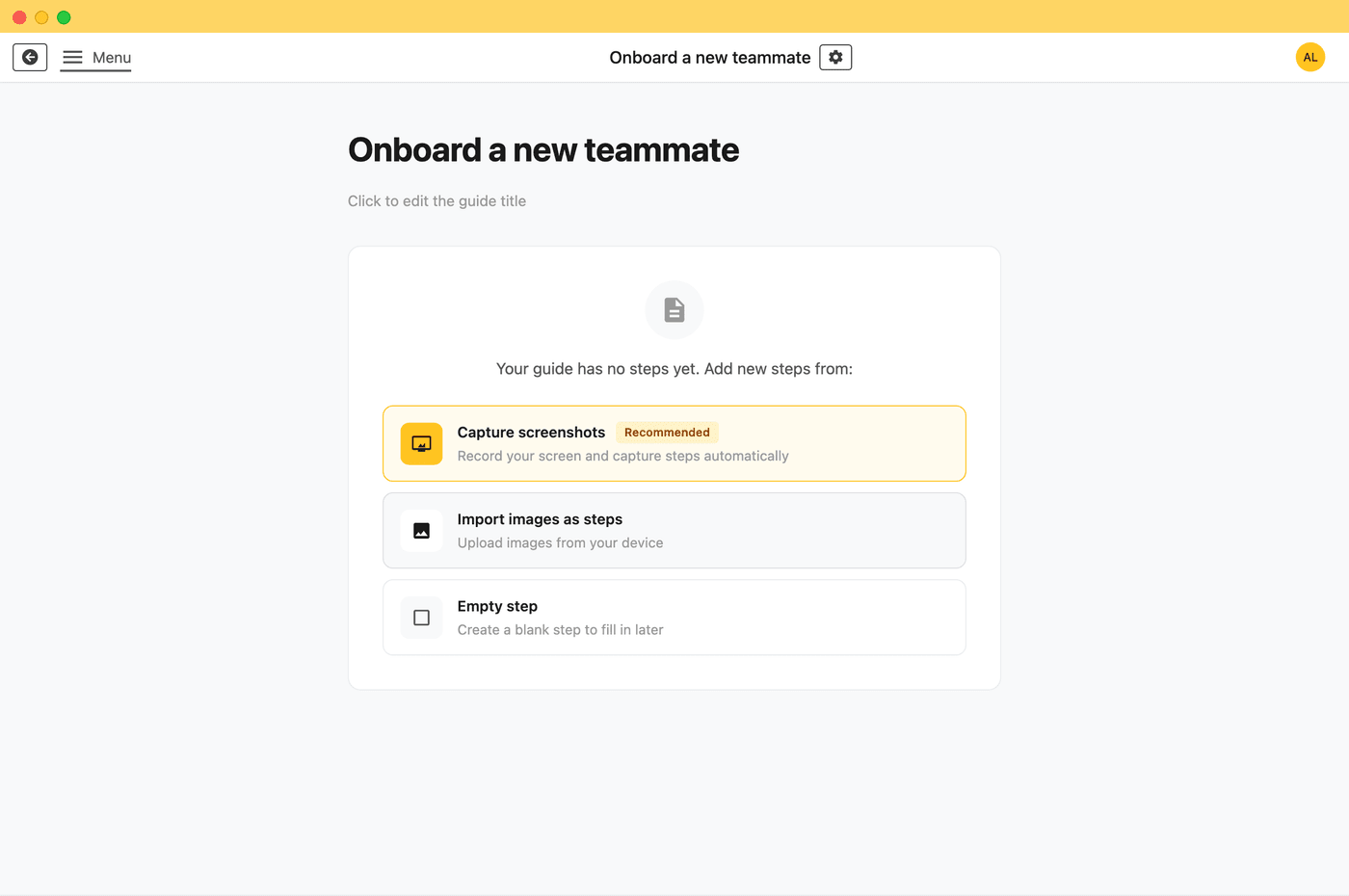
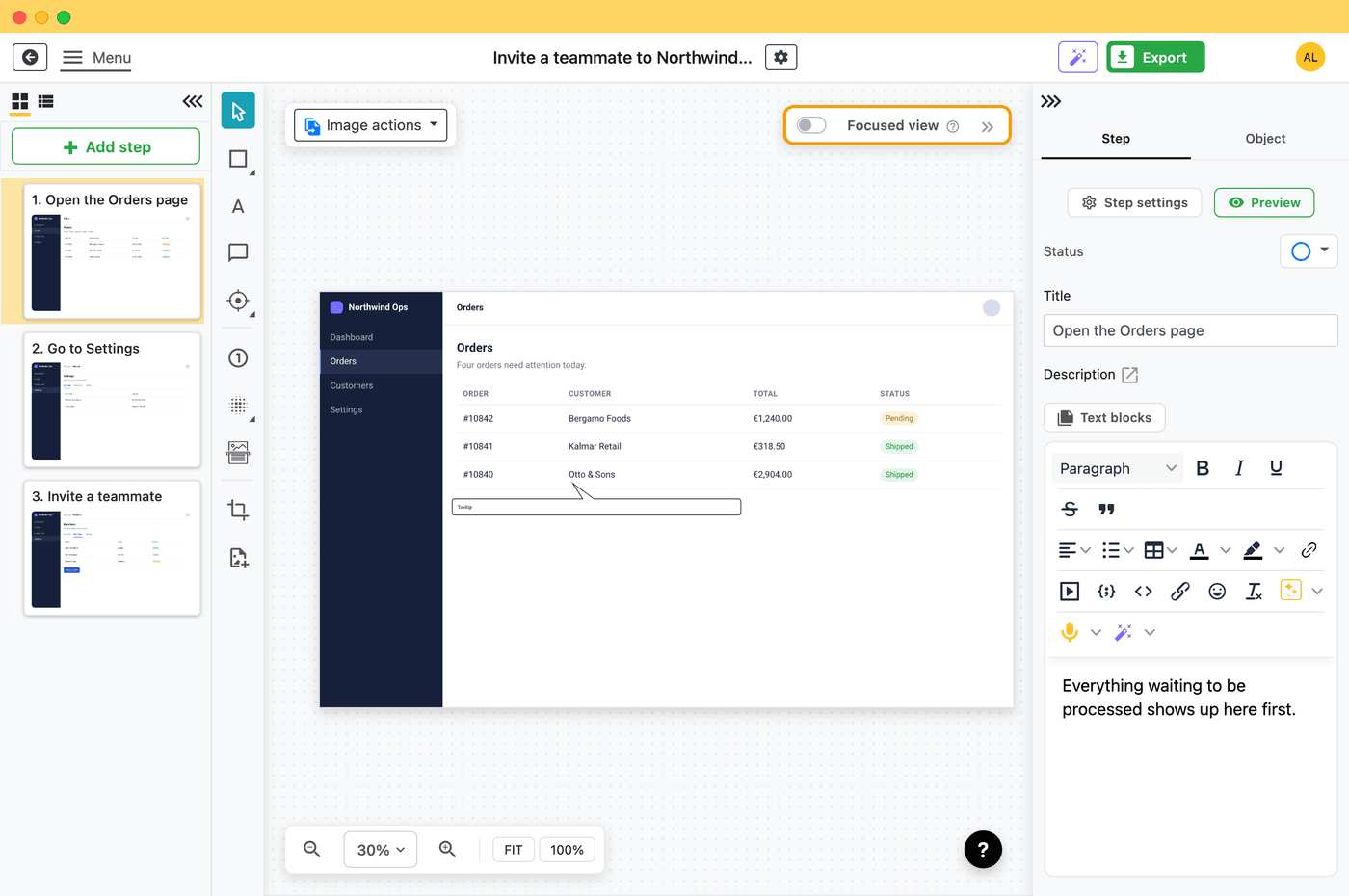
Folge is a desktop application for creating step-by-step guides, tutorials, and process documentation. It automatically captures your clicks and actions, generates annotated screenshots, and exports to multiple formats.
Start a capture session, perform your workflow in any application, and Folge automatically records each step with screenshots. Edit the guide with built-in annotation tools (blur, highlight, step numbers), then export to your preferred format-all without internet access.
Folge is available as a native desktop application for Mac (macOS 10.14+) and Windows (Windows 10+). Both Intel and Apple Silicon Macs are supported.
Yes. Folge works completely offline-no internet connection required for capturing, editing, or exporting guides.
All your guides and screenshots are stored locally on your computer in standard file formats. Folge never uploads your data to any cloud server-you maintain complete control.
Yes. Folge is ideal for confidential SOPs, HR processes, client workflows, proprietary software documentation, and sensitive procedures. Because your data never leaves your computer, you maintain complete control over confidential information with zero risk of cloud leaks.
Yes. Folge is designed to work in secure, air-gapped environments with no external network access. Install once and use indefinitely without any internet connection. Perfect for government, healthcare, defense, and enterprise environments with strict security requirements.
Yes. Because Folge runs entirely locally on your computer with zero cloud processing, GDPR compliance is straightforward-your data never leaves your control. Folge is developed in Europe and designed with privacy as a core principle. No third-party processors, no data sharing, no telemetry.
Folge costs $89 per user as a one-time payment. All future updates and features are included forever-no recurring subscription fees.
Folge licenses are per user. If 5 users want to use Folge, you need 5 licenses ($445 total). Each user gets their own license key with lifetime access and all future updates.
No. Folge is a one-time purchase with no recurring fees, no subscription charges, and no upgrade costs. Pay once, own forever.
Yes. Folge is free to use, with full PDF export. No credit card required, no trial period-just download and start creating documentation. Upgrade to the full version for all features, including all 11 export formats.
Yes. For teams requiring 10+ licenses, we offer volume pricing. Contact us at hello@folge.me with your team size for a custom quote.
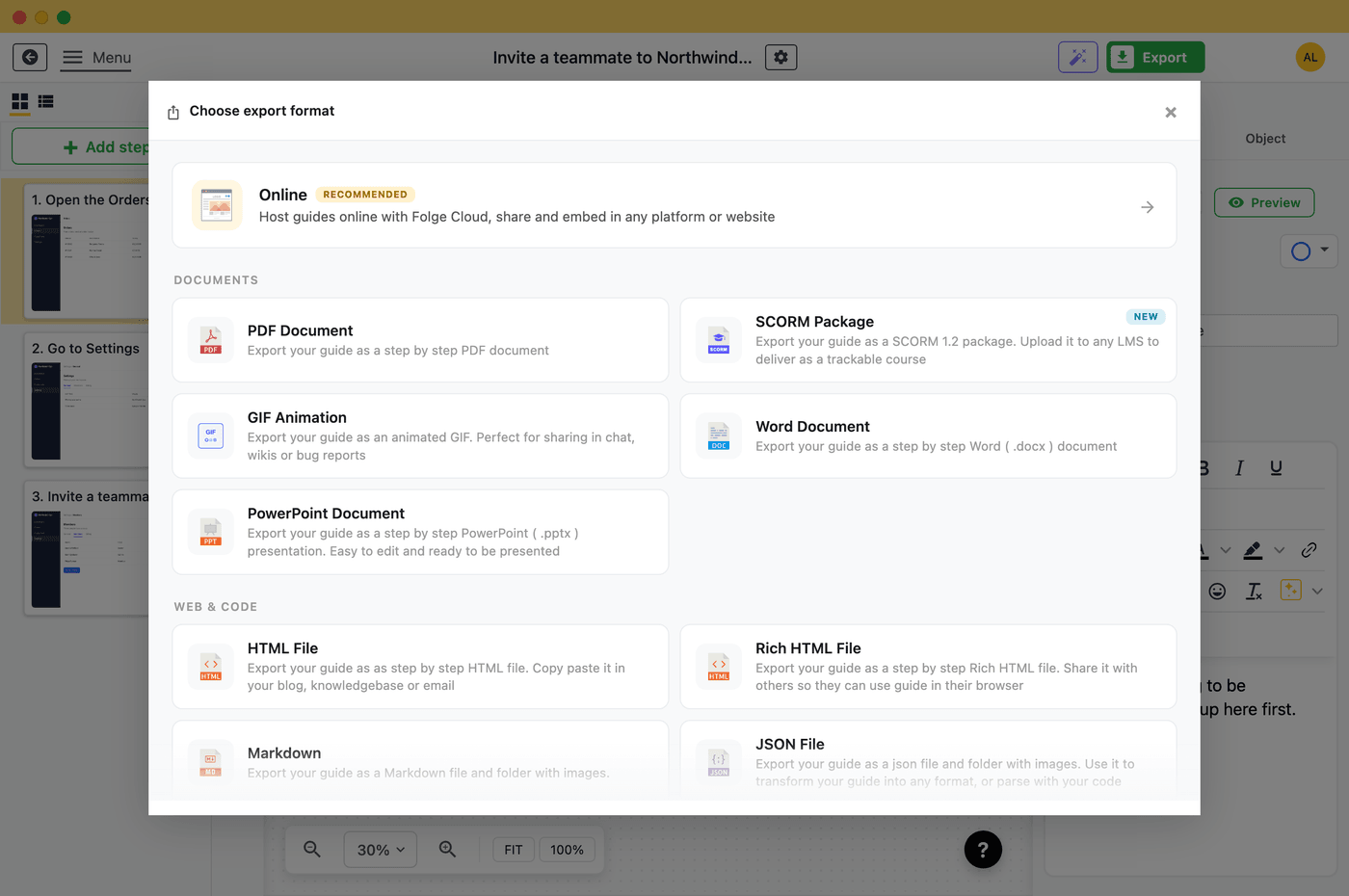
Folge exports to 11 formats: PDF, Word (DOCX), PowerPoint (PPTX), rich and simple HTML, SCORM, animated GIF, Markdown, JSON, an online guide and an embeddable widget. All exports are generated locally on your machine.
Yes. Folge has native integrations with Notion, Confluence, and WordPress-allowing you to export and publish your guides directly to these platforms when internet is available.
Folge captures any desktop application-browsers, native apps, development tools, design software, admin panels, and more. Capture entire workflows across multiple applications seamlessly.
Folge includes comprehensive annotation tools: blur sensitive information, highlight important areas, add step numbers, magnify details, draw arrows and shapes, add text annotations, and apply custom styles. OCR text recognition is also built-in for extracting text from screenshots.
Yes. Folge offers full customization: custom CSS for exports, unlimited fonts and colors, custom cover pages for PDFs, brand logos, and complete control over layout and styling. Create guides that match your brand identity.
Unlike Scribe's browser-based tool that requires cloud access, Folge is a full-featured desktop application that works offline and stores data locally. Folge costs $89 once (vs Scribe's $23/month per user), includes 11 export formats (vs Scribe's 3), and offers native integrations with Notion, Confluence, and WordPress-features Scribe lacks.
Folge offers three key advantages: (1) Privacy-your data never leaves your computer; (2) Cost-$89 once vs $240-360/year per user for cloud tools; (3) Offline access-works in secure environments without internet. Perfect for confidential workflows, regulated industries, and teams that value data sovereignty.
Yes. Folge is ideal for creating standard operating procedures (SOPs). Automatically capture workflows, annotate critical steps, add compliance notes, and export to professional formats. Many compliance-focused industries (healthcare, finance, legal) use Folge specifically for SOP creation because data never leaves their network.
Mac: macOS 10.14 (Mojave) or later, Intel or Apple Silicon
Windows: Windows 10 or later, 64-bit
Disk space: ~200 MB for application, additional space for guides
Folge stores guides in a local folder on your computer. You can back up this folder to your preferred backup system-cloud storage, local drives, network shares, or corporate backup solutions. Folge also offers automated local backups within the app.
Yes. All Folge users receive email support at hello@folge.me. We also provide comprehensive documentation at folge.me/help with guides, tutorials, and troubleshooting resources.
Try Folge for free or reach out to us at hello@folge.me