Free AI SOP Generator
Describe a process and get a structured Standard Operating Procedure in seconds. Copy it, download it, or make it real with screenshots in Folge.
Free · No signup · No watermark · A free tool by the makers of Folge
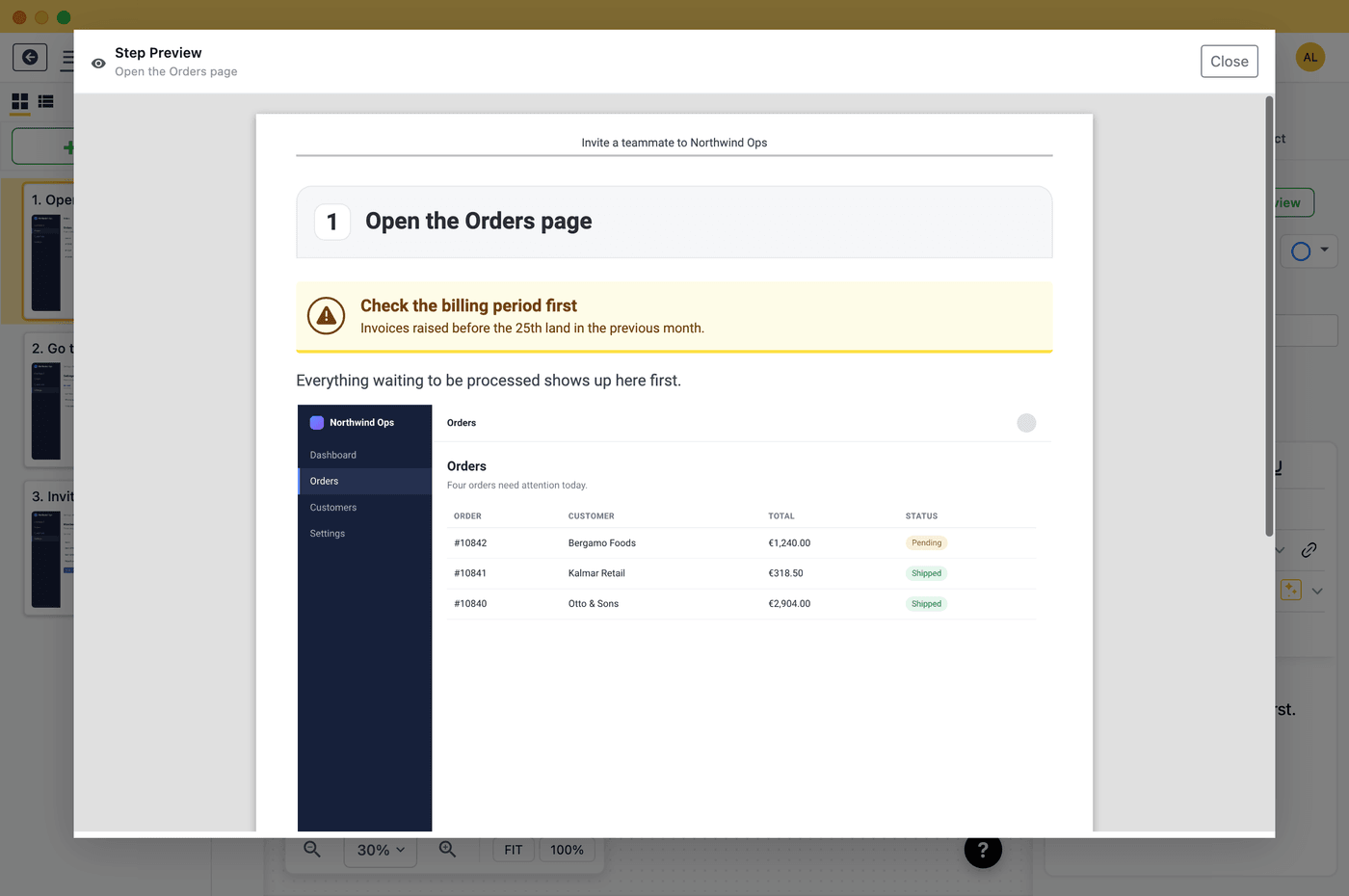
SOPs are better with screenshots
This generates the words. Folge captures the pictures: perform the process once and Folge turns every click into a numbered, annotated step - then export your SOP to PDF, Word, or HTML. It's the step-by-step guide maker for Mac & Windows.
Try Folge free →What this SOP generator does
Tell it the process you need to document - "onboard a new hire", "close the register", "deploy a release" - and it drafts a complete Standard Operating Procedure: purpose, scope, roles, prerequisites, numbered steps with expected results, and a revision note. It's a fast first draft you can edit, not a replacement for your judgement.
SOP generator vs. an SOP template
A template gives you the structure and you fill in every word. A generator fills in a tailored first draft for your specific process, which you then refine. Many teams use both: generate the draft here, then keep it consistent with our free SOP templates. If you already have a screen recording of the process, turn it into numbered screenshots with the free video to step-by-step guide tool. To go deeper on the format, read what SOPs are and how to implement them.
Example: what a generated SOP looks like
For the input "Reset a customer's password" in an IT support context, the generator returns a document shaped like this (shortened):
Purpose. Restore account access for a verified customer without exposing the account to takeover.
Scope. All password reset requests received by the help desk, by phone, email, or ticket.
Roles. Support agent (executes), team lead (approves exceptions).
Prerequisites. Access to the admin console; the customer's account ID; identity verification checklist.
Steps. 1. Verify the requester's identity with two of the approved checks. Expected result: checks logged in the ticket. 2. Open the account in the admin console and confirm it is not locked for fraud. 3. Trigger a reset link to the email on file; never set a password manually. 4. Tell the customer to complete the reset within 15 minutes. 5. Close the ticket with the reset timestamp.
Compare it with the hand-written password reset SOP template. The generator gets you the draft; the template shows the finished depth. Other popular starting points: employee onboarding, customer onboarding, incident response, and the full SOP template library.
Frequently asked questions
Is it really free?
Yes - no signup, no watermark, no credit card. There's a fair-use limit to keep it free for everyone. It's made by Folge, a step-by-step guide creator for Mac and Windows.
What does the generated SOP include?
A title, purpose, scope, the roles involved, prerequisites, 4–10 numbered steps (each with an expected result), any safety notes, and a revision line - the standard parts of an effective SOP.
Can I edit the result?
Absolutely. Copy it into your doc tool or download it as Markdown or plain text and adjust it. Treat it as a strong first draft.
How do I add screenshots to my SOP?
Use Folge: it captures a screenshot on every click as you perform the task, so your SOP becomes a visual step-by-step guide you can export to PDF, Word, or HTML.

