How Folge turns a task into an SOP
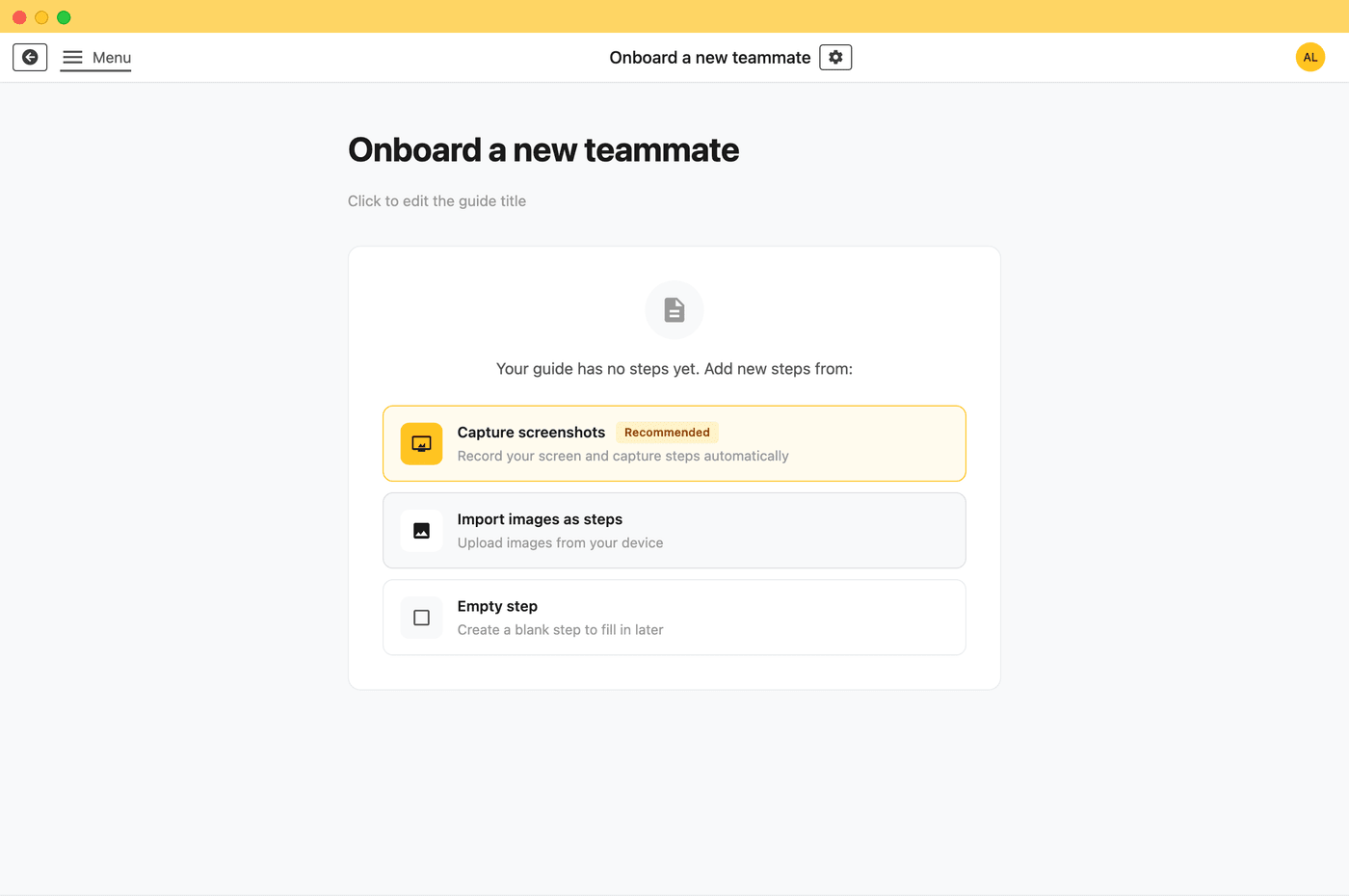
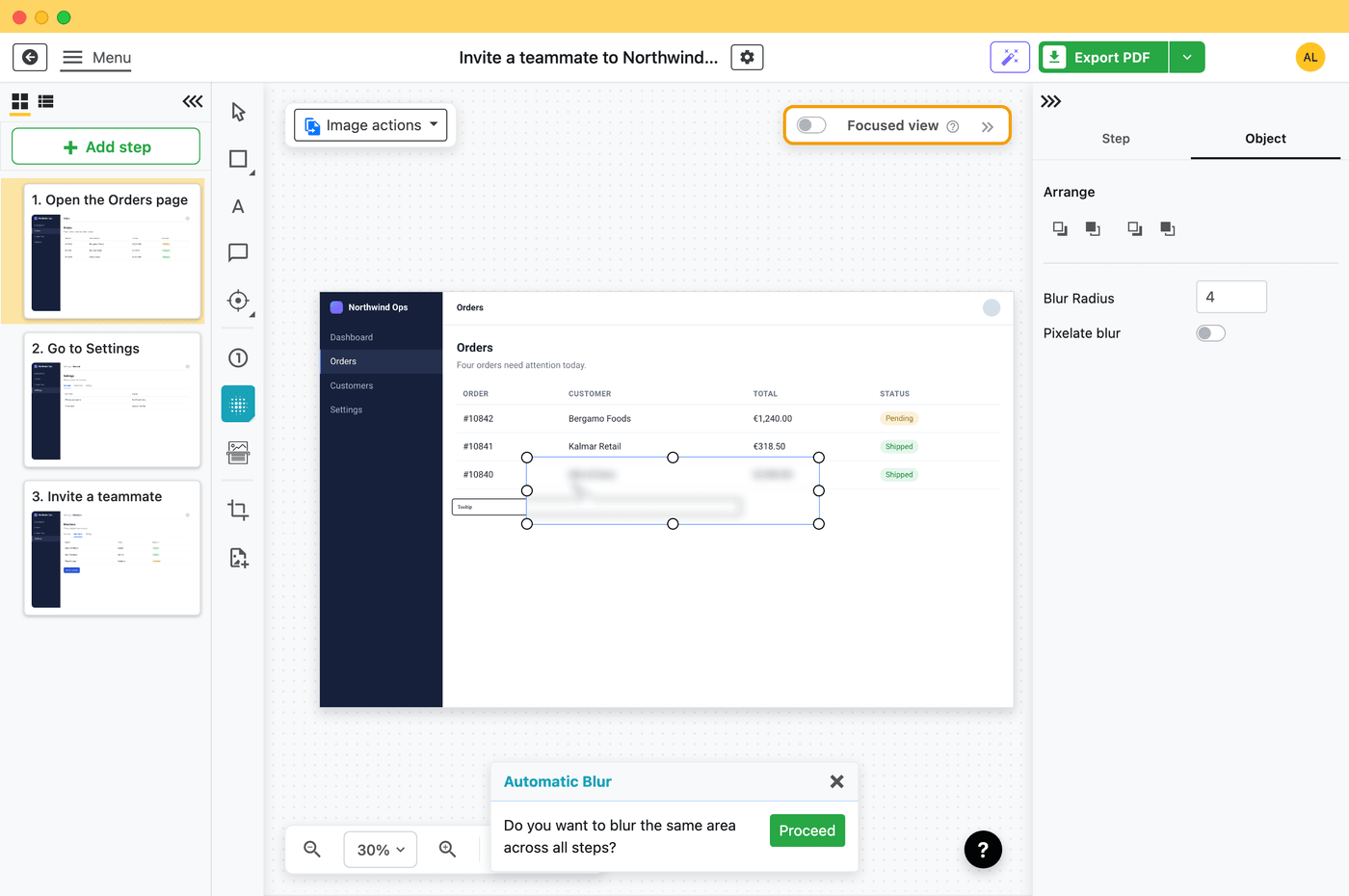
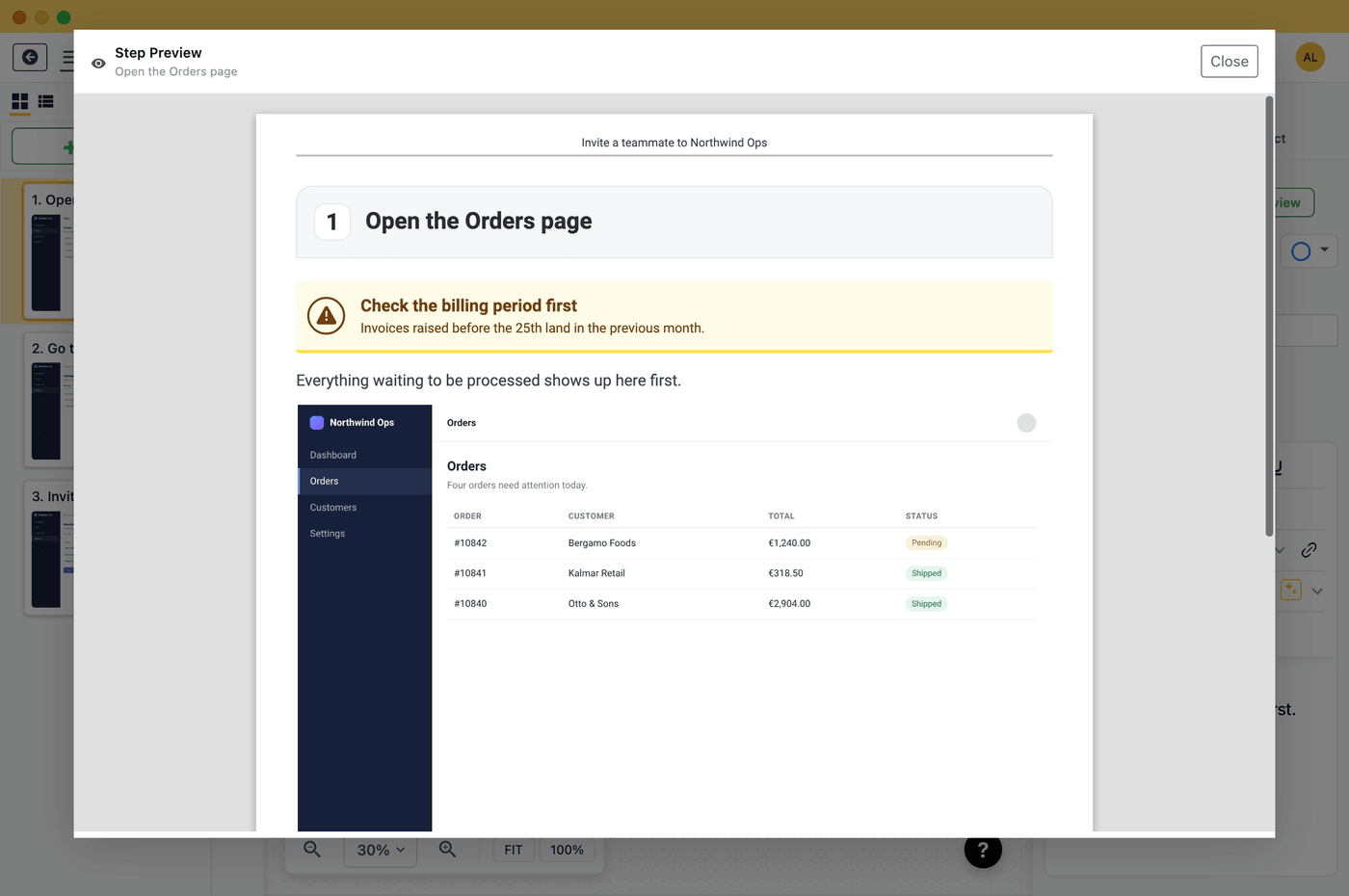
Four steps, all on your computer.
Writing an SOP by hand means taking, cropping and labelling a screenshot for every step.
Folge is a desktop app for Windows and Mac that records a screenshot on every click and turns your clicks into a numbered SOP you can export to PDF or Word.
It works offline, is free to use, and costs $89 (€75) once for all features.
Four steps, all on your computer.
"SOP software" gets used for three different kinds of tools, and picking the wrong one is the main reason teams end up rewriting their documentation a year later.
Capture tools, like Folge, Scribe and Tango, watch you perform a task and turn the clicks into a numbered, screenshotted guide automatically. Their job is turning a process you already know how to do into a document, fast, with the least typing possible.
Training platforms, like Trainual and Whale, are built around onboarding and organizing a company-wide knowledge base: courses, quizzes, org charts, assigned reading. Their job is tracking who has read and learned what, not capturing screenshots.
Checklist and workflow tools, like Process Street, turn an SOP into a recurring, assignable checklist with due dates and approvals. Their job is running the process repeatedly, not writing it down the first time.
Folge is the right pick when you're documenting a screen-based process (software steps, admin panels, internal tools), when your team wants files it owns (PDF, Word, HTML) rather than content locked inside a platform, and when you'd rather pay once than take on another per-seat subscription. If you're comparing capture tools specifically, see our breakdown of the best Scribe alternatives, or the direct comparisons against Scribe and Tango.
Folge's free plan is not a trial. It's free to use, with no time limit, with full capture and PDF export, no credit card and no time limit. That's usually enough to document your first handful of critical processes before deciding whether to upgrade.
Two more free options sit alongside the app itself. The free AI SOP generator turns a short description of a process into a structured, written SOP (purpose, scope, roles, numbered steps) in seconds, no screenshots needed. And the free SOP template library has 19 ready-to-use templates, downloadable as Word or PDF, covering IT, HR, and customer success.
Three to start with: the password reset SOP template, the employee onboarding SOP template, and the customer onboarding SOP template.
Capture the exact console clicks for a password reset, a permissions change, or a software install once, and every technician follows the same numbered steps. No more tribal knowledge stuck with one person.
IT support use case →Document how to set up a new hire in payroll, provisioning, and internal systems as a screenshotted guide, so onboarding doesn't depend on whoever did it last time being available to explain it.
Onboarding use case →Managed service providers document client-specific systems and configurations constantly. Screenshotted, exportable SOPs keep that documentation consistent and easy to hand to a new technician or client.
MSP documentation guide →Turn a repeated support workflow (refunds, account changes, escalations) into a numbered SOP your team can follow the same way every time, instead of relying on a single agent's memory.
Customer success SOP templates →SOP software is any tool that helps you create, store, or run Standard Operating Procedures. Capture tools like Folge turn a screen-based process into a numbered, screenshotted guide automatically. Folge is a Windows and macOS desktop app: you perform the task once, it captures every click, and the result exports to a document you own.
Yes. Folge records a screenshot on every click in any Windows or Mac application and turns your clicks into a numbered SOP. You edit the text, then export to PDF or Word.
Yes. Folge is free to use, with full capture and PDF export, no credit card required. Beyond that, it's a $89 (€75) one-time payment with all future updates included, not a subscription.
Yes. Folge is a native Windows and macOS desktop app that works completely offline. Your guides are stored locally, and you publish them only when you choose to.
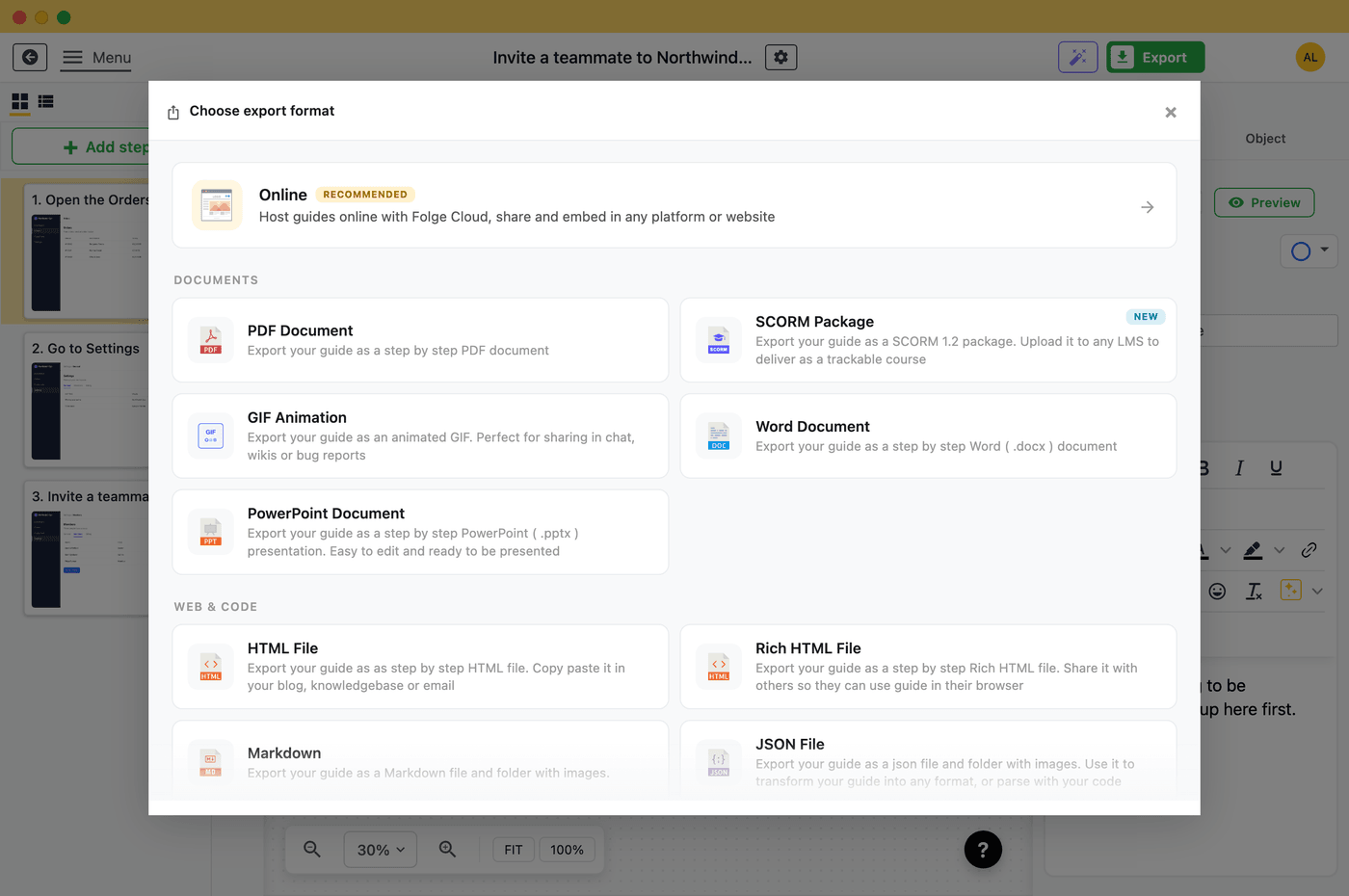
Folge exports to 11 formats: PDF, Word, PowerPoint, rich and simple HTML, SCORM, animated GIF, Markdown, JSON, an online guide, and an embeddable widget.
Yes. Folge integrates with Notion, Confluence Cloud and Data Center, WordPress, and Hudu, so you can publish a finished SOP directly to whichever your team already uses. Your data stays local until you decide to publish it.
Folge is a one-time purchase ($89 / €75, all updates included) rather than a per-seat subscription, and it's a full desktop app that works offline with data stored locally. See the full comparisons on the Scribe alternative and Tango alternative pages.
Yes, business licenses and volume pricing are available starting from 10 seats. Every purchase, individual or business, comes with a 7-day money-back guarantee. Folge is made in Europe by Oleksii Sribnyi; reach us at hello@folge.me.
Folge is a desktop application for Windows and macOS that creates step-by-step guides, SOPs and process documentation by capturing a screenshot on every click.
All features · Pricing · Compare with Scribe, Tango and others · Download