Choose a Capture Mode
Pick Active Window, Full Screen or Selected Region to set how much of the screen each screenshot shows.
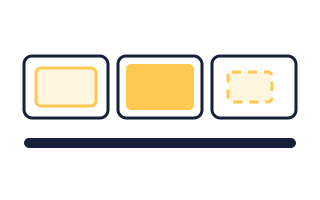
The Three Modes
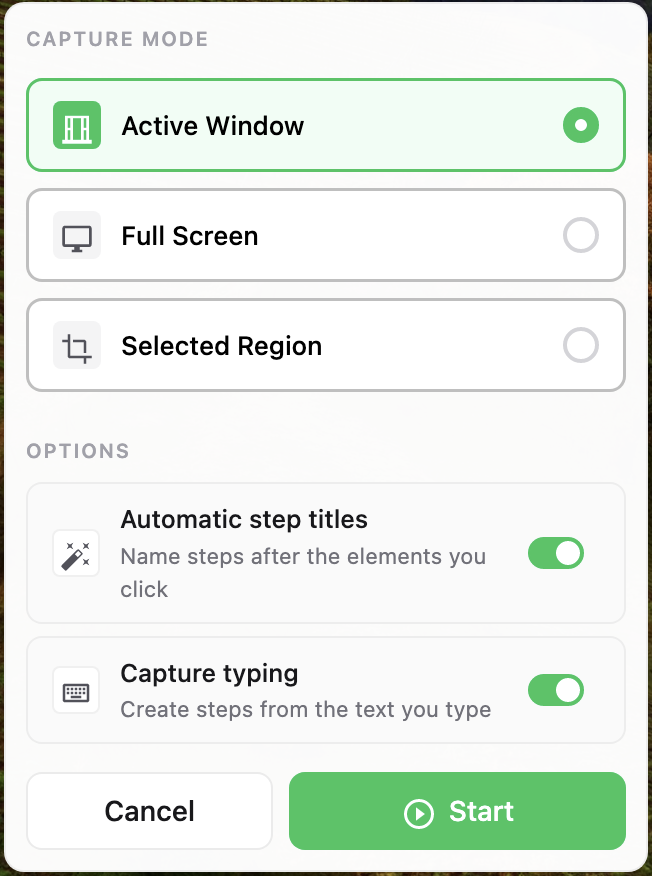
You pick a mode in the capture window before you click Start. It applies to every screenshot in that session, and you can start a new session with a different one.
- Active Window: Captures whichever window you are working in, and follows you when you switch apps or monitors. Other windows are left out.
- Full Screen: Captures the entire screen, including anything else you have open.
- Selected Region: Captures only an area you draw, on the monitor where you started. The area stays the same for the whole session.
Which One to Pick
Start with Active Window. It is the only mode that follows you when you move between apps mid-process.
Reasons to pick something else:
- You need two windows in one screenshot: A dialog on top of the window it belongs to, or a terminal beside a browser. Active Window will only give you the front one, so use Full Screen.
- You want a fixed slice of the screen: For example, only the sidebar or only a form in every step. Use Selected Region so you do not have to crop each screenshot afterwards.
- The app is fullscreen anyway: Either works. Active Window leaves out the menu bar.
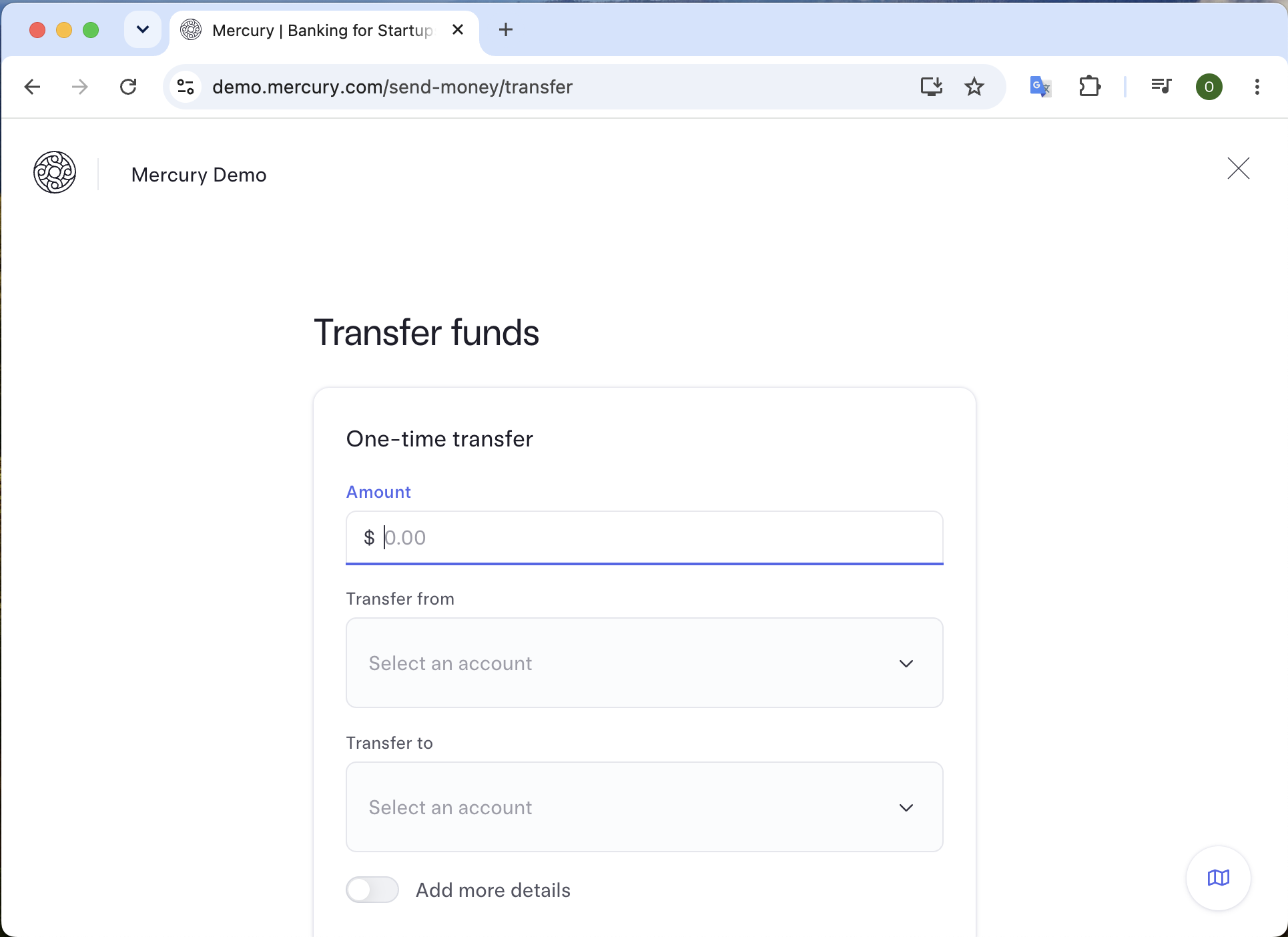
Drawing a Region
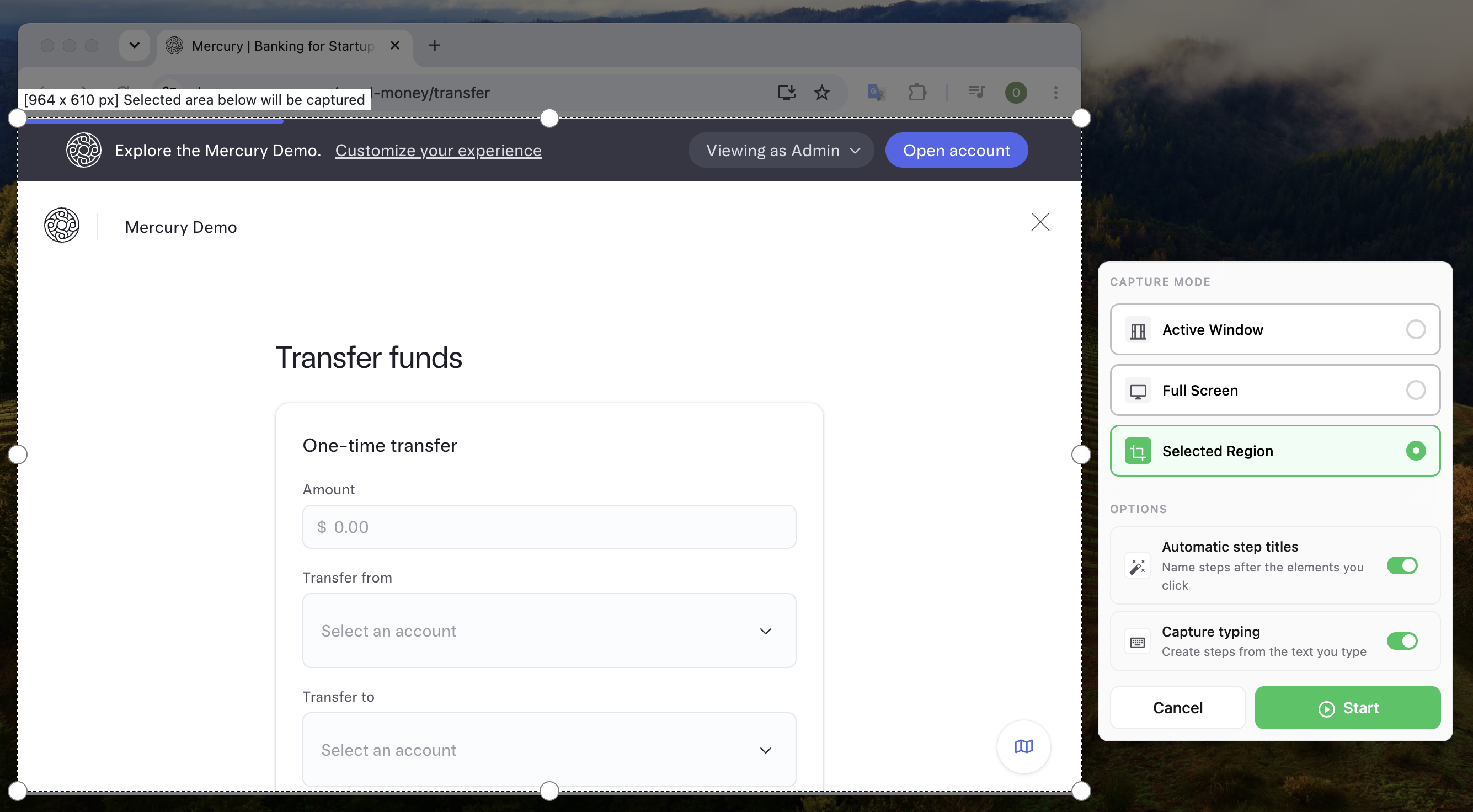
Pick Selected Region and click Start. The screen dims and you drag a rectangle over the part you want. Folge shows its size while you drag, and you can adjust the edges with the handles before you begin.
Clicks Outside the Region
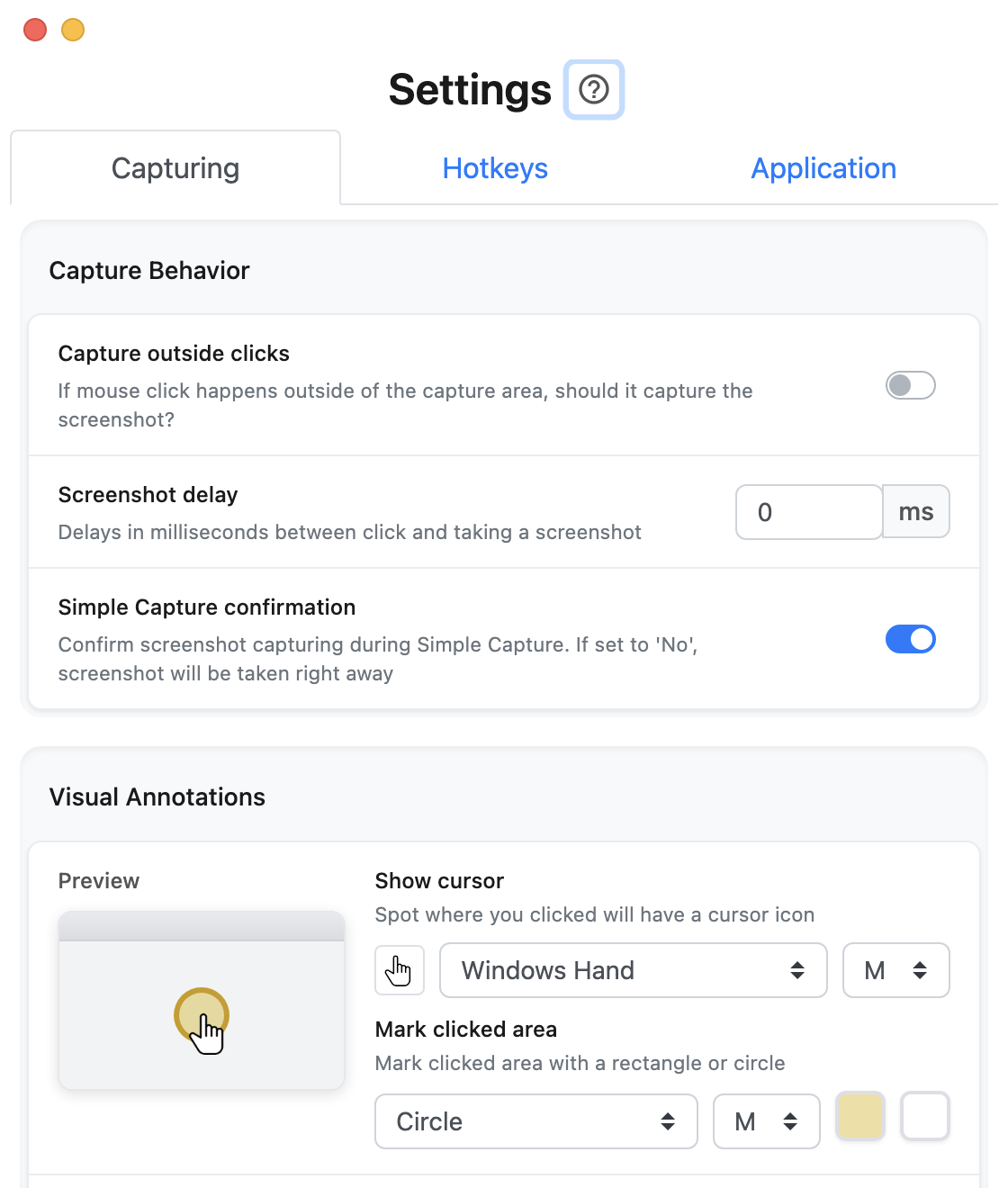
Clicks outside the region do not capture a screenshot, so you can use the rest of your screen without adding steps. To capture those clicks too, go to Settings > Capturing and turn on Capture outside clicks.
Changing Your Mind
You cannot change the mode during a session. To switch, click Finish, delete the steps you do not want, and capture again into the same guide. New steps are added at the end, and you can drag them into place.
What this is good for
- Keep the rest of your desktop out of the guide.
- Capture something that spans two windows at once.
- Capture the same part of the screen in every step, with no cropping afterwards.
Make guides like this one
Folge takes a screenshot on every click, so you make a guide by doing the task once.

