Structure a Long Guide
Nest steps under a parent, move them around, and get back the one you deleted by mistake.

Nest a Step Under Another
A substep is a step with a parent. Nest steps to group a long, flat list under a few parent steps.
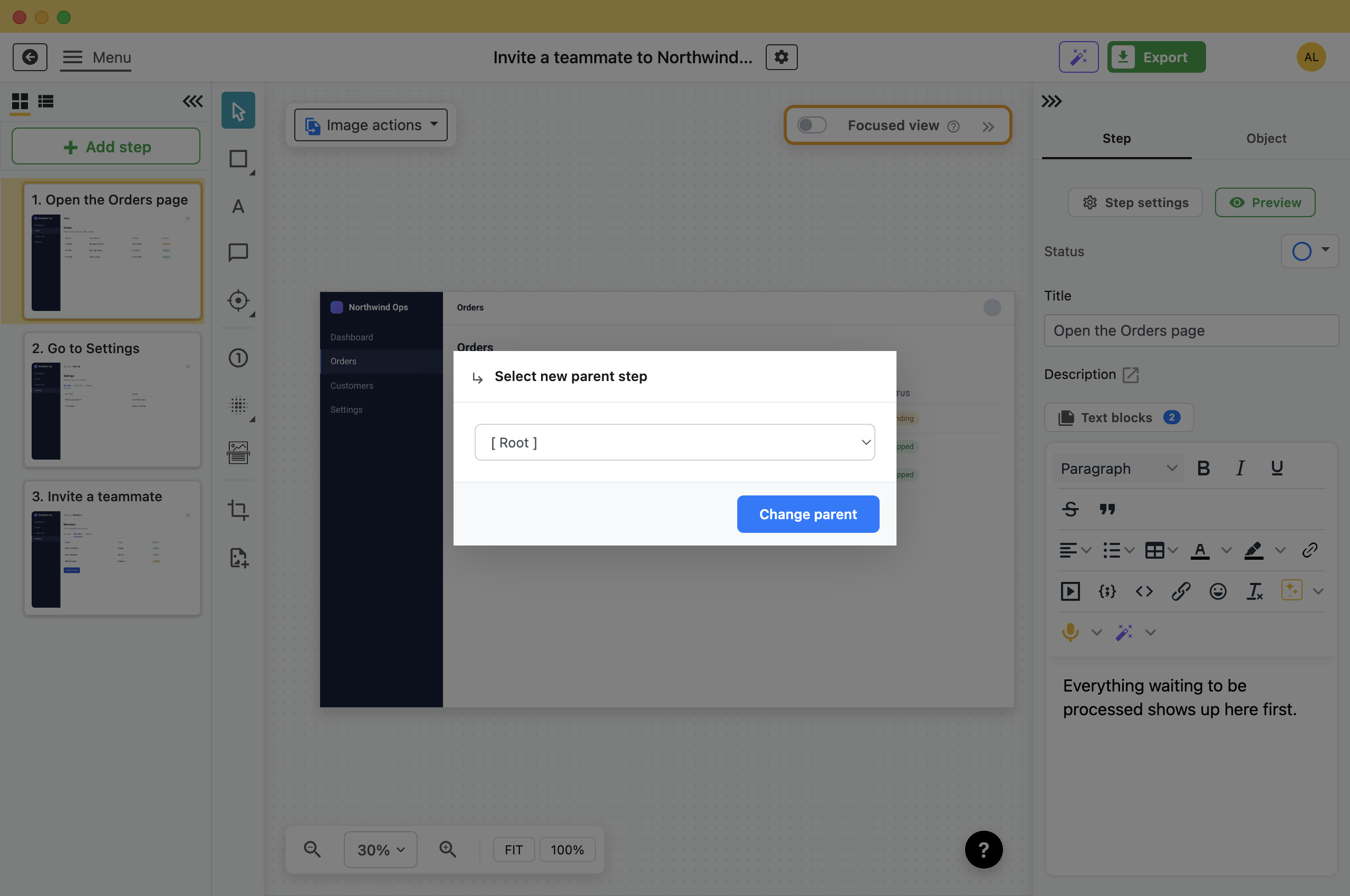
- Right-click the step and choose Change parent step.
- Pick the new parent.The step moves under it, indented, and is renumbered within it. Dragging a step onto another step does the same.
A parent gets a small triangle beside it. Click that to fold its children away while you work on something else.
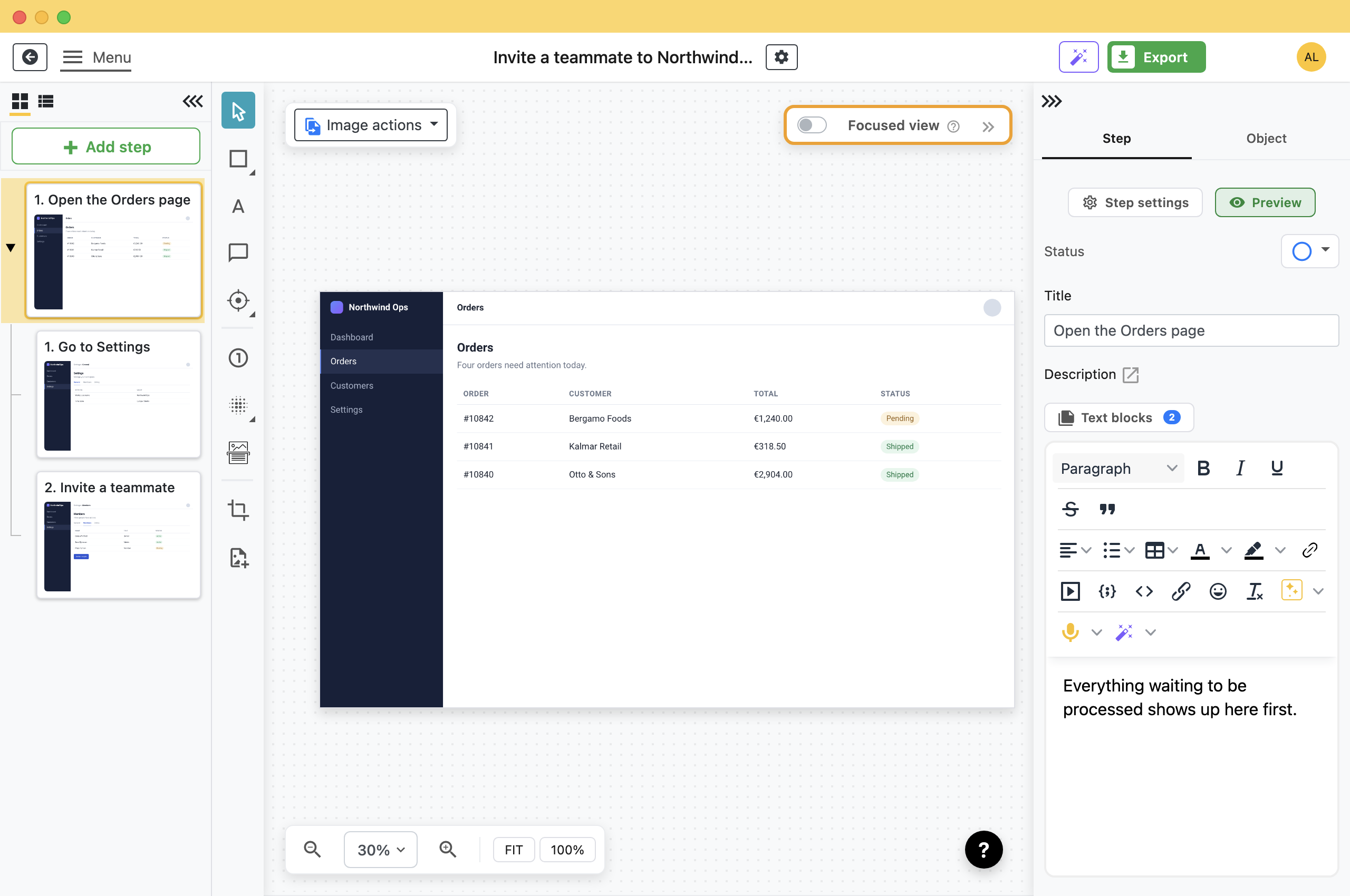
Exports keep the same nesting as the step list.
Move and Reorder
- Within the guide: Drag a step up or down the list. Its children come with it.
- To the top level: Right-click, choose Change parent step, and pick [ Root ]. The substep becomes a top-level step again.
- To a different guide: Right-click and choose Move step to. To copy instead, open the other guide and follow Reuse steps from another guide.
Leave a Step Out Without Deleting It
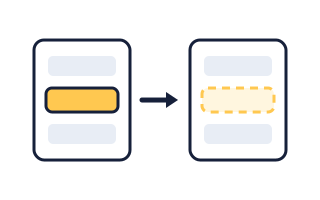
Right-click a step and choose Skip step when exporting. It stays in the list, greyed under a crossed-out eye icon, and is left out of every export. Choose it again to include the step.
Use it for a step you are unsure about, or for steps that apply to only one audience: skip them, export, then include them again and export again.
Recover a Deleted Step
Right-click and choose Delete step. The step disappears from the list, but Folge keeps it. A Deleted Steps button appears at the bottom of the list with a count on it.
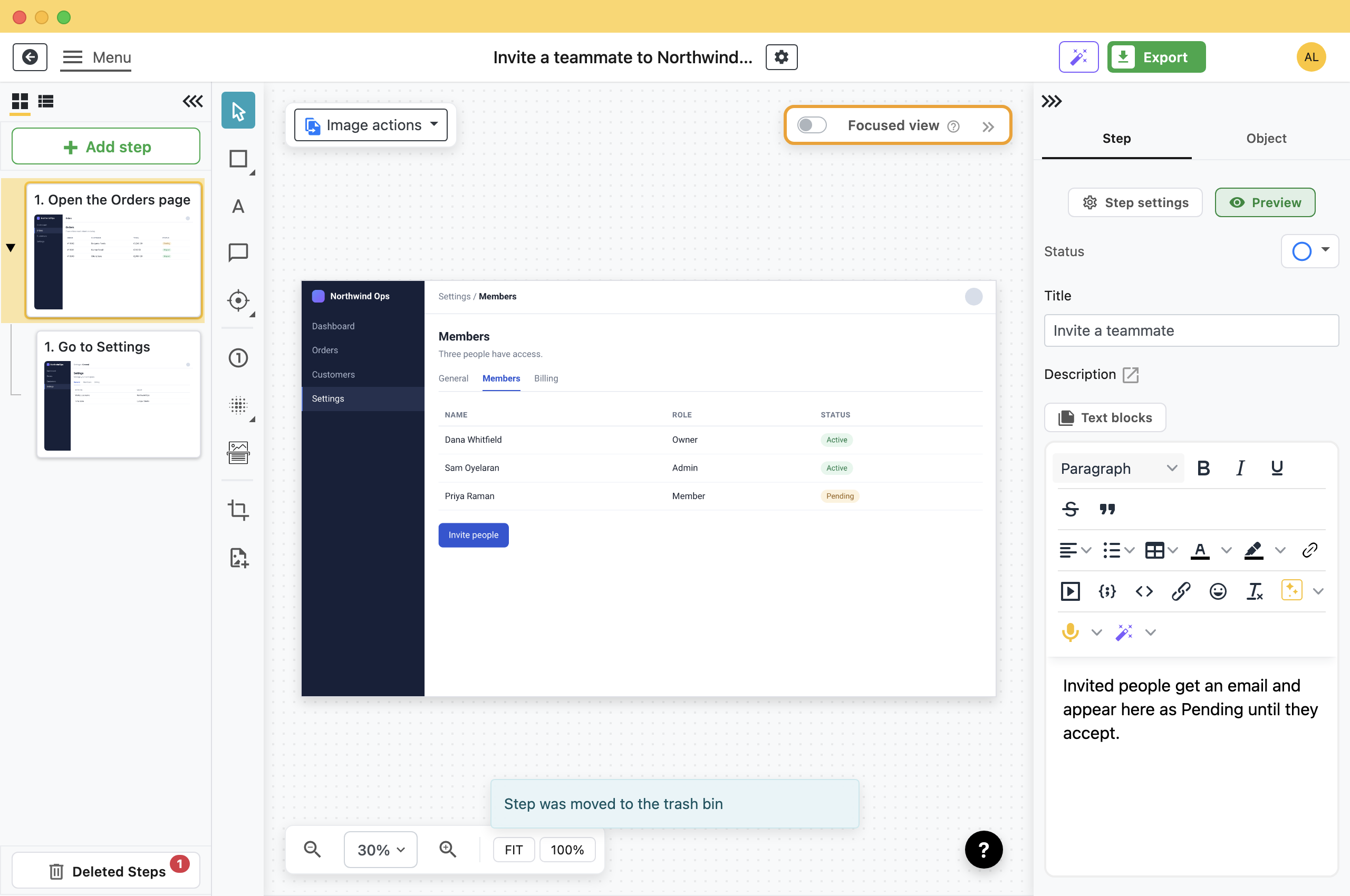
Click it to open the Trash Bin, tick the steps, and choose an option.
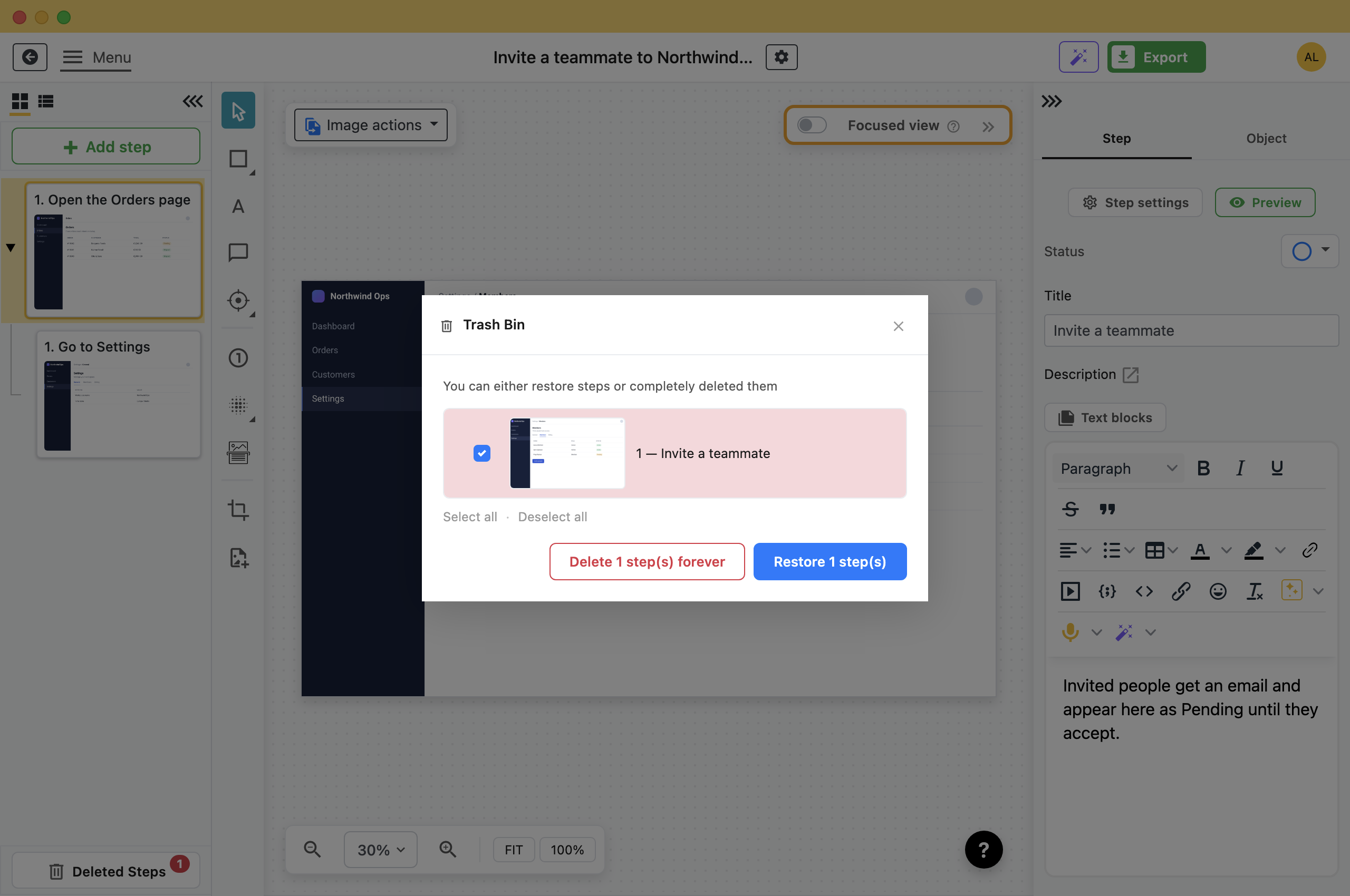
- Restore: Puts the steps back where they were, screenshots and annotations intact.
- Delete forever: Removes them and their screenshots permanently. This is the only action on this page you cannot undo.
How Deep to Go
- One level is usually enough: A parent and its children are easy to follow. Deeper nesting is harder to read.
- Nest Optional Steps: If every reader does all four, they are four steps. If most readers skip three of them, those three belong underneath.
- Give the parent a real title: It is the only line a reader sees when the children are folded away.
What this is good for
- Turn forty flat steps into six things with the detail tucked under them.
- Move a step that ended up three places from where it belongs.
- Recover a step you deleted an hour ago.

Make guides like this one
Folge takes a screenshot on every click, so you make a guide by doing the task once.

