← All tutorials
Reuse Steps From Another Guide
Copy steps out of a guide you already made instead of recording the same screens twice.
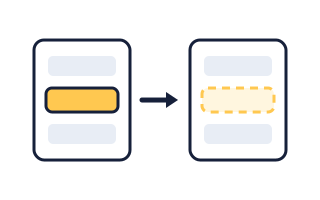
Import Steps
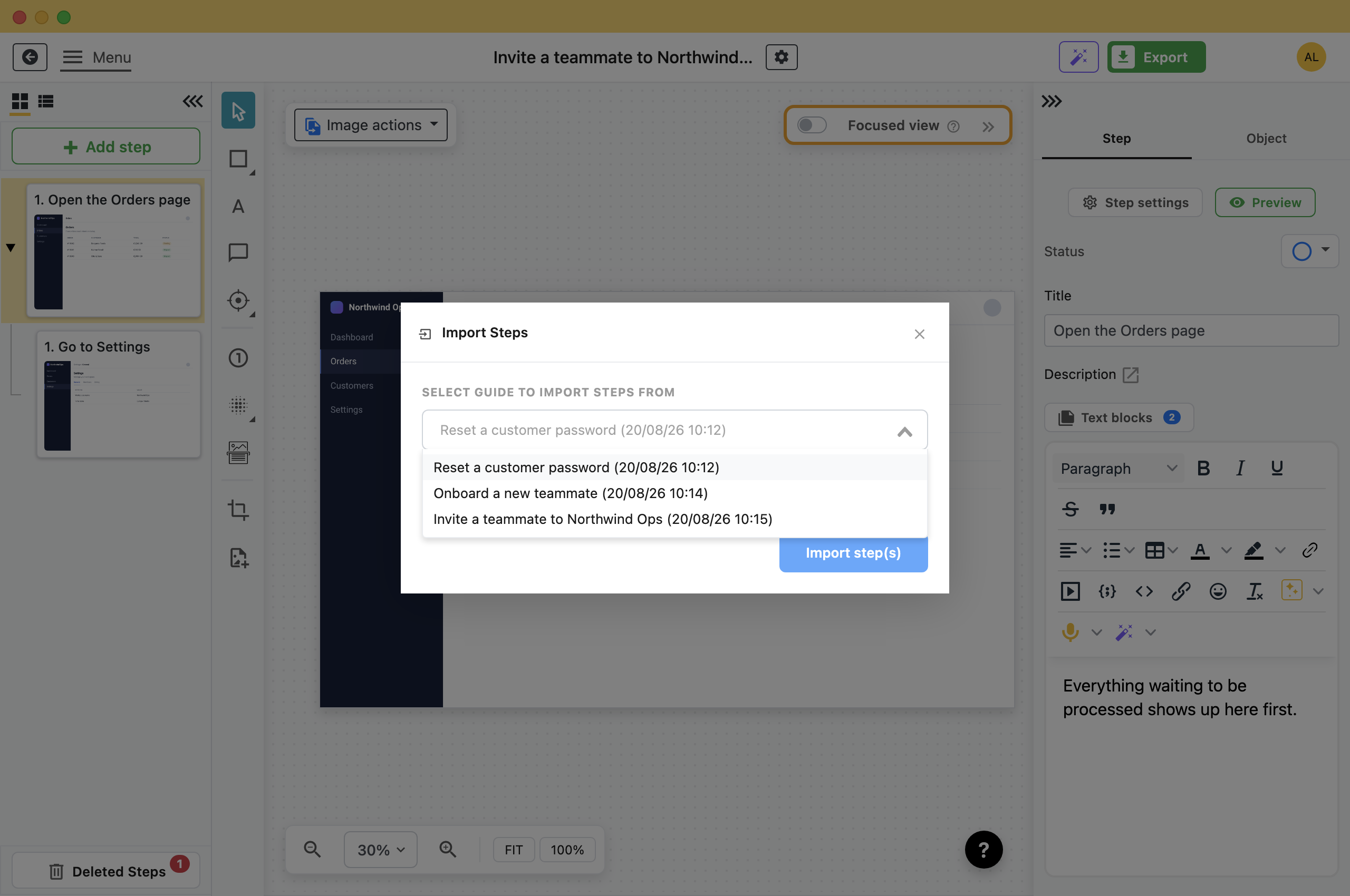
- In the step list, right-click the step you want the new steps to go after, and choose Import steps.The Import Steps dialog opens.
- Pick the guide to take them from.
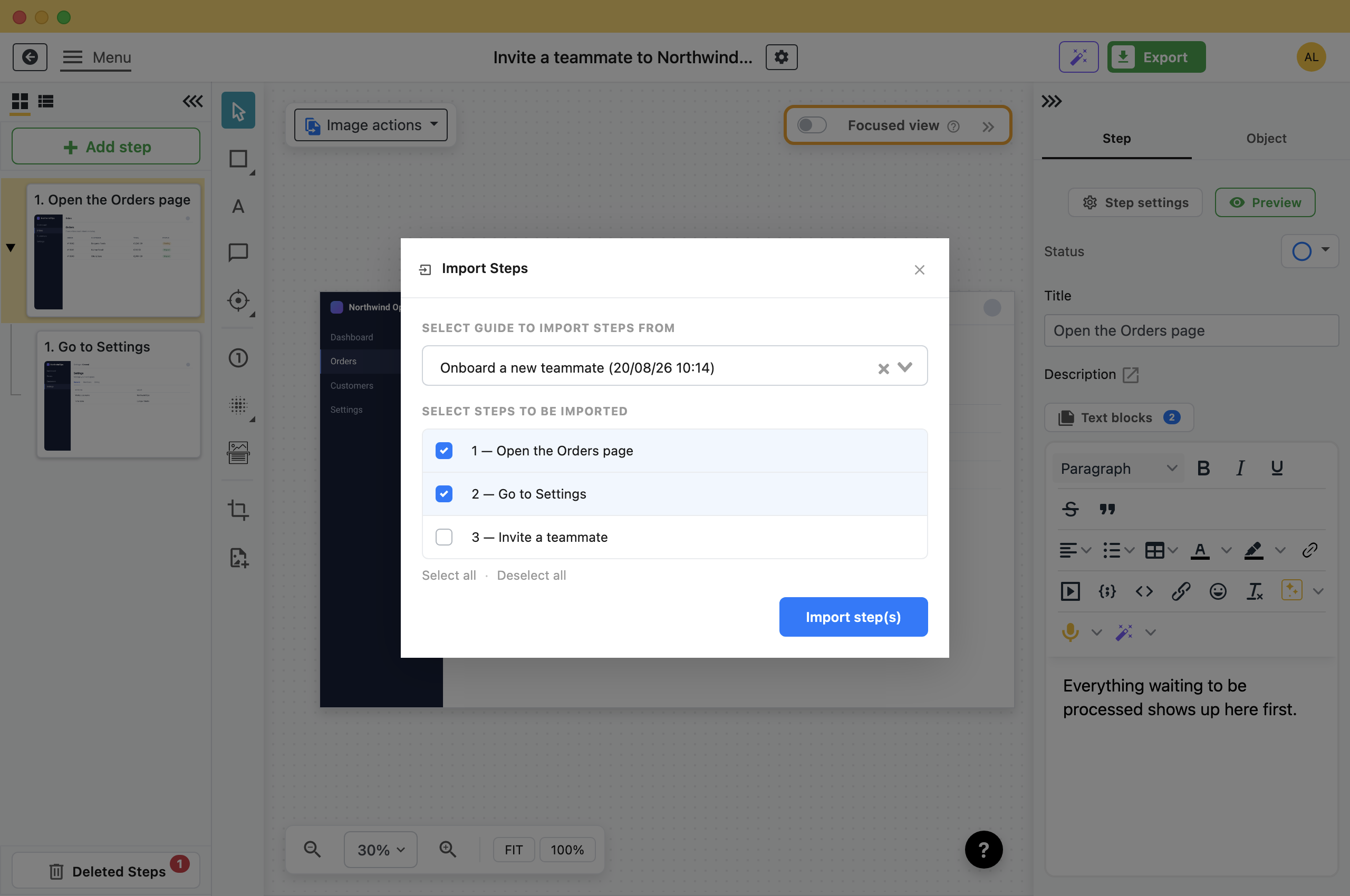
- Tick the steps you want. Select all ticks every step.
- Click Import step(s).Folge copies them in below the step you started from and selects the last one it added.
What Comes With Them
Each imported step keeps its screenshot, the arrows and blur you drew on it, its title and description, its text blocks and its settings.
- Substeps come too: Tick a parent and its children are imported with it, still nested, even though only the parent was ticked.
- The copy is independent: The screenshot file is copied into the new guide rather than shared. Deleting the guide you took it from later does not break the one you built.
- The original is untouched: Importing copies. Nothing leaves the source guide.
Note: Because it is a copy, editing a step in one guide does not change it in the other.
Keep a Guide of Reusable Steps
If you write a lot of guides for the same system, keep one guide that exists only to import from: the login steps, the navigation to the right screen, the "how to raise a ticket if this fails" ending.
Capture those steps once, with the annotations and descriptions you want in every guide. Then start each new guide by importing them.
What this is good for
- Every guide in the set starts with the same four steps for logging in.
- Split one guide that grew too long into two, without recapturing anything.
- Build a new guide out of pieces of old ones.


Make guides like this one
Folge takes a screenshot on every click, so you make a guide by doing the task once.
System Requirements: Windows 7 (partial support), 8, 8.1, 10, 11 (64-bit only). OSX > 10.10. Available in 🇬🇧, 🇫🇷, 🇩🇪, 🇪🇸, 🇮🇹, 🇳🇱, 🇵🇹/🇧🇷 and 🇯🇵 languages.

