Add a Cover Page to Your PDF
Put a title page in front of your guide, either the one Folge builds for you or one you lay out yourself.
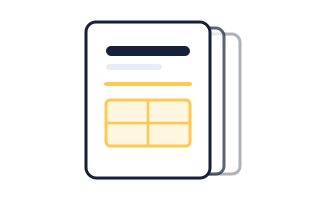
The Cover Page Folge Builds
- Open the export dialog and choose PDF.
- On the Document tab, switch on Include cover page.Folge puts the guide title and description on a page of their own, in front of step one.
To put more than the title and description on the cover, design your own.
Designing Your Own
- Click the Design tab.
- Switch on Custom Cover Page.An Open Cover Page Editor button appears next to it.
- Click Open Cover Page Editor.
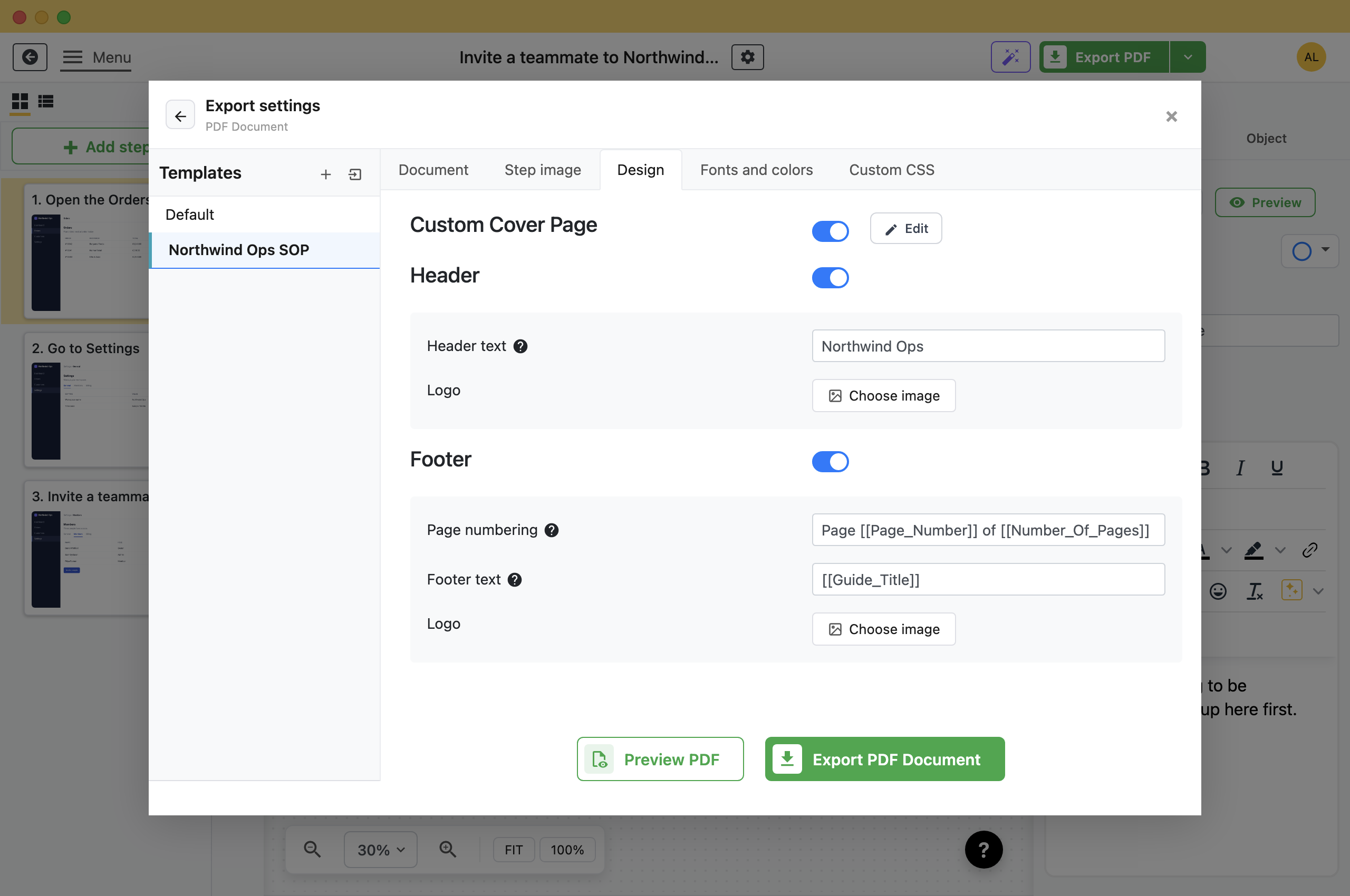
Inside the Editor
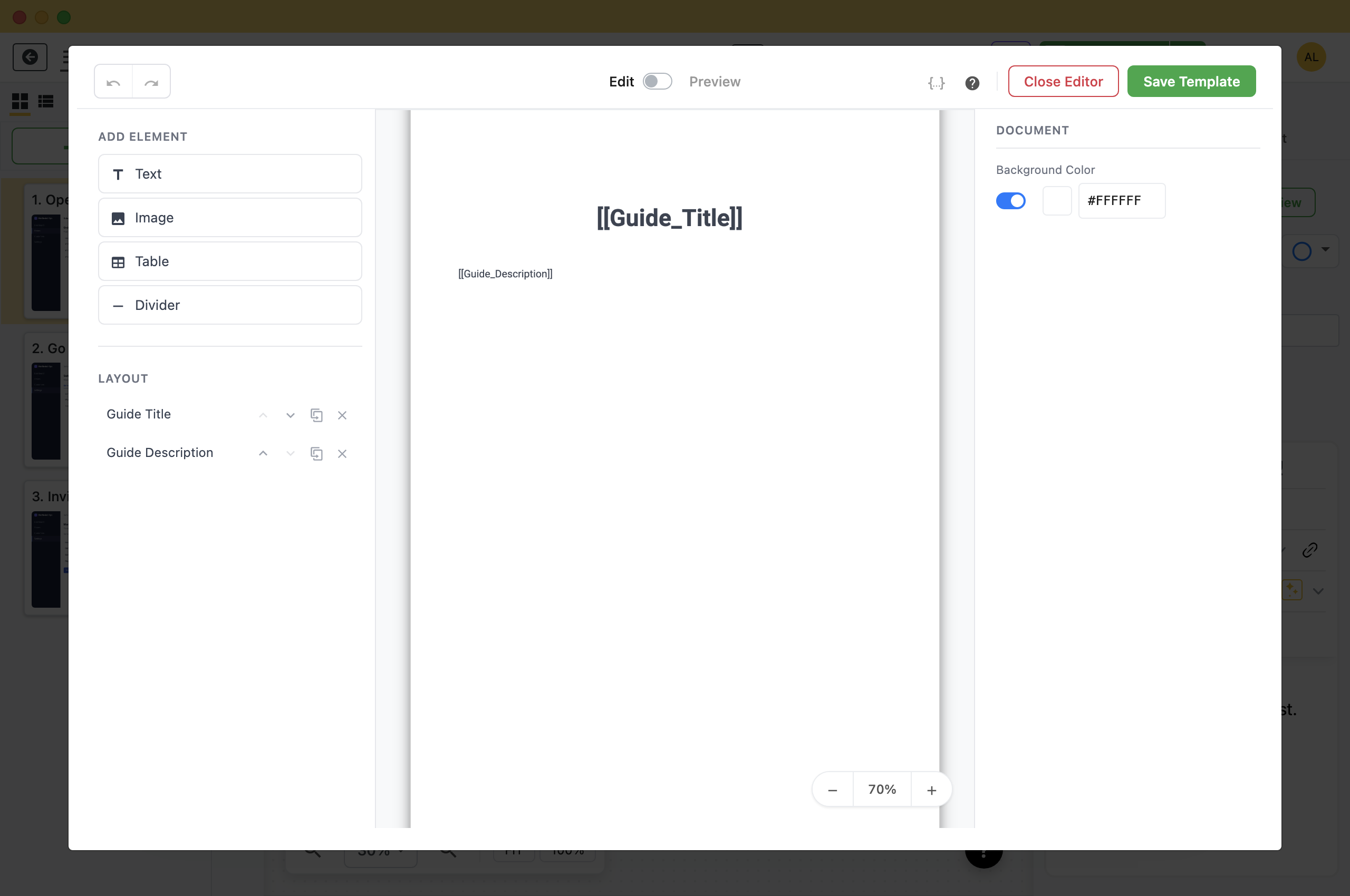
Three columns: what you can add on the left, the page in the middle, and the properties of whatever is selected on the right. With nothing selected, the right column sets the page background.
- Text: A block of text. This is where placeholders go.
- Image: A logo or a photograph, with Image Fit set to Contain, Cover or Fill. Cover crops to fill the box, so use Contain for a logo you do not want trimmed.
- Table: Rows and columns, for the document number, revision and owner that a controlled document needs. Placeholders work inside cells.
- Divider: A line that separates one part of the cover from another.
Under Layout every element is listed in stacking order. Reorder, clone or delete elements there. Click an element's name to rename it.
Filling In the Details Automatically
The cover starts with two text elements, [[Guide_Title]] and [[Guide_Description]]. Those are placeholders: Folge swaps them for the real values of whichever guide is being exported.
Use placeholders instead of typed-in text, and each guide you export gets its own title and description on the same cover. The same placeholders work in the header and footer.
Check It, Then Keep It
- Preview: The Edit / Preview switch at the top swaps the editing view for the rendered page, with placeholders resolved. Use it before you export anything.
- Save Template: Saves the cover into the export template you are editing.
- Close Editor: Leaves without saving. It will warn you if there are unsaved changes.
The cover belongs to an export template rather than to a guide, so saving a template called something like *Client Deliverable* gives every future export the same front page. See Export to PDF for templates.
What this is good for
- Give a customer a document with their name on the first page.
- Give a printed SOP the document number and revision date an auditor asks for.
- Reuse one branded cover across every guide your team exports.

Make guides like this one
Folge takes a screenshot on every click, so you make a guide by doing the task once.

