Reuse Text With Placeholders
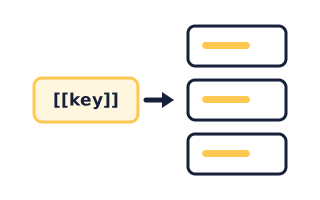
Store a value such as a company name once, and change it in every guide by editing one row.
Where They Live
- Click the guide title at the top of the editor.
- Open the Placeholders tab.
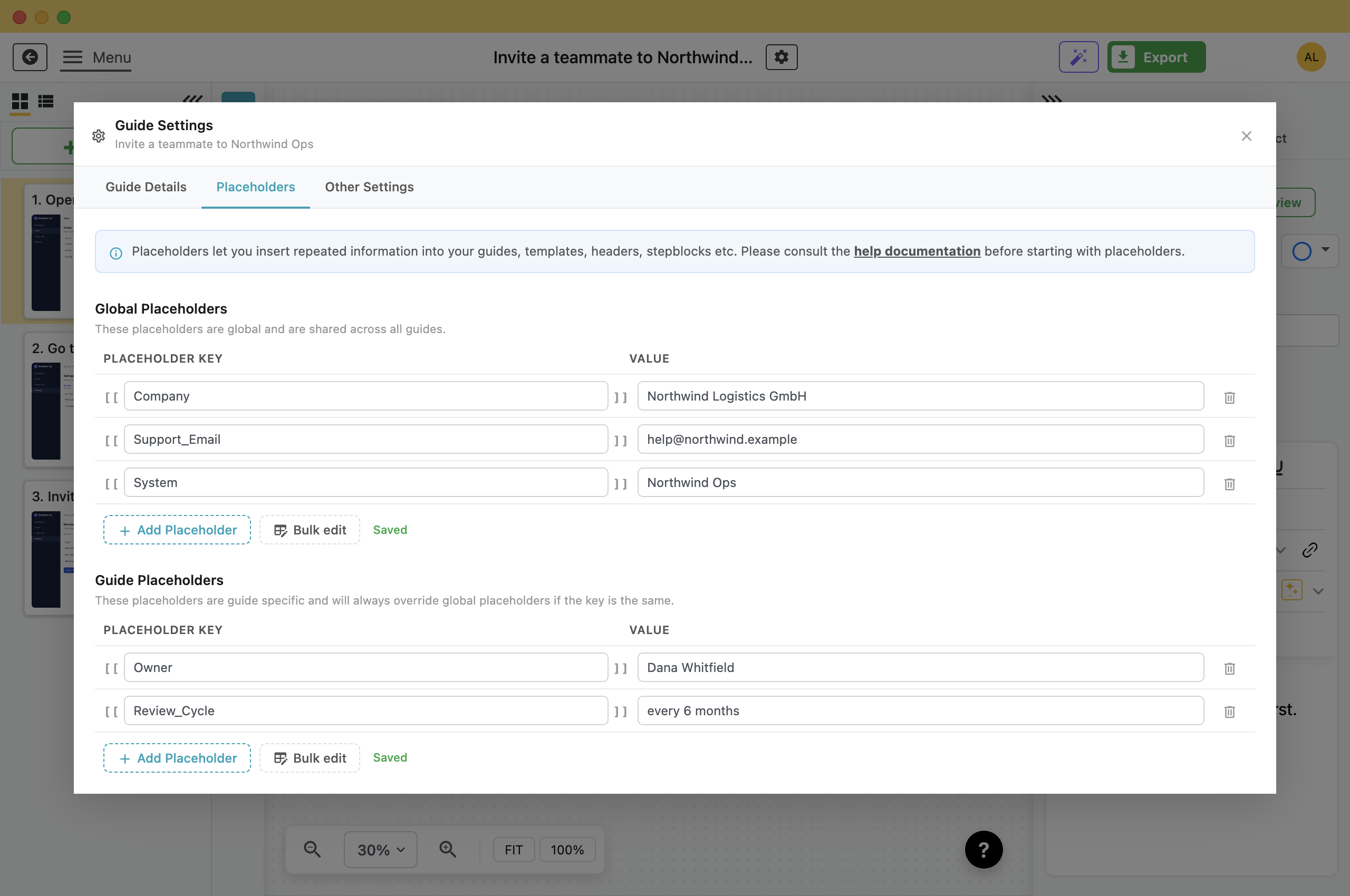
There are two tables. Add a key and a value in either one. Folge saves as you type and shows Saved next to the buttons.
- Global Placeholders: Shared by every guide you have. This is where a company name belongs.
- Guide Placeholders: Belong to this guide only, and override a global with the same key. Use this to give one guide its own owner while the others keep the global value.
Type the key without the brackets. Folge shows the [[ and ]] on either side of the box for you.
Using One
Write [[Company]] into a step description, a text block, a step title, or the header, footer and cover page of an export template. Folge swaps in the value when it renders the guide.
Nothing is substituted while you edit, so the guide still shows [[Company]] in the editor. Use Preview on the step, or export, to see the real value.
Adding a Lot at Once
Bulk edit replaces the table with a text box, so you can add many placeholders without clicking Add Placeholder for each one.
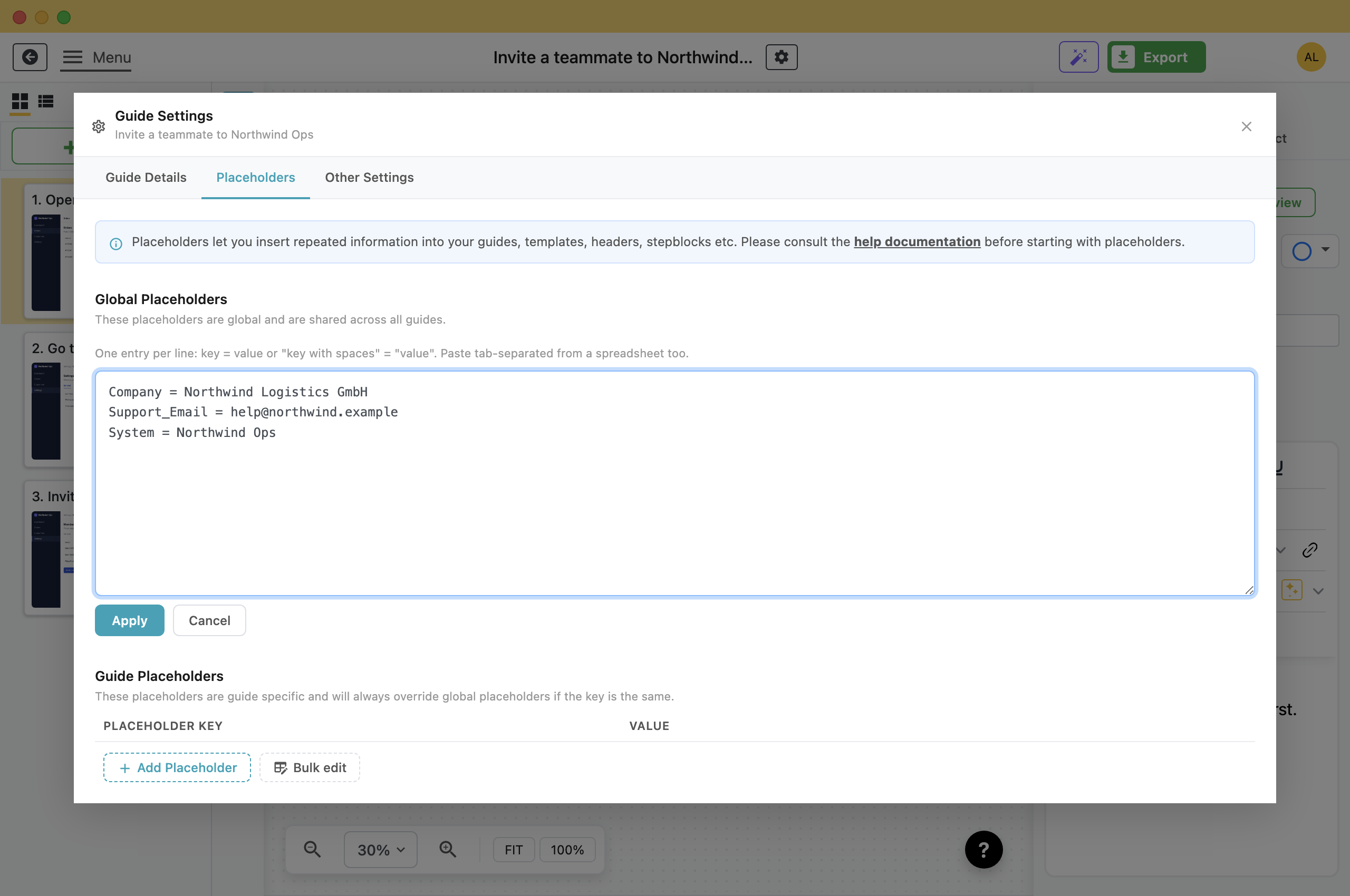
- One per line: Company = AcmeCorps Logistics GmbH
- Quote anything with spaces: "Escalation contact" = "Wanda Coyle, ext 4471"
- Paste from a spreadsheet: Paste two tab-separated columns, for example copied from Excel.
If a line cannot be read, Folge shows its line number and contents.
Not the Same as the Built-In Ones
PDF headers and footers accept [[Guide_Title]], [[Page_Number]] and four others. Those are built into Folge, are not in these tables, and cannot be changed. See Put your branding on a PDF.
You choose the keys and values of the placeholders on this page, and they work in the steps as well as in headers and footers. Both kinds use the same [[ ]] syntax, so do not give your keys the same names as the built-in ones.
Worth Setting Up Early
- Anything that might get renamed: Systems, teams, products, job titles.
- Anything that repeats across guides: A support address, an escalation path, an office location.
- Not one-off text: A value used only once is clearer typed out.
What this is good for
- A system gets renamed and you have it typed into forty guides.
- Every guide ends with the same support address, and the address changes.
- One guide needs a different owner from the company-wide default.


Make guides like this one
Folge takes a screenshot on every click, so you make a guide by doing the task once.

