Microsoft is retiring Steps Recorder, and the tools it suggests instead record video, not a guide. These ten tools still turn your clicks into steps with screenshots. Folge is ours, so it comes first.
We have tried to be fair to the others and link to each one. Prices change often, so check before you buy. Last checked in November 2026.
Quick comparison
| Tool | Windows | Mac | Free | A guide you can edit |
|---|---|---|---|---|
| Folge | Yes | Yes | Yes | Yes |
| Support Step Recorder | Yes | Yes | Yes, open source | No, a report |
| StepSnap | Yes | No | Up to 50 steps | No, a report |
| OpenSteps | Yes | No | Yes, open source | Yes, early beta |
| StepGrab | Yes | Yes | Up to 15 steps | Yes |
| Scribe | Paid plans | Paid plans | Browser only | Yes |
| Tango | Paid plans | Paid plans | Browser only | Yes |
| Snagit | Yes | Yes | No | You build it by hand |
| Snipping Tool | Yes | No | Yes | No |
| PSR++ | Yes | No | Yes | No, screenshots only |
What happened to Steps Recorder
Steps Recorder, also called Problem Steps Recorder or PSR, saved a screenshot for every click and put them in a report. Microsoft deprecated it in November 2023 and says it will be removed in a future version of Windows.
Microsoft points people to Snipping Tool, Xbox Game Bar and Clipchamp instead. All three record video or single screenshots, and none of them makes a list of steps.
The ten tools
1. Folge
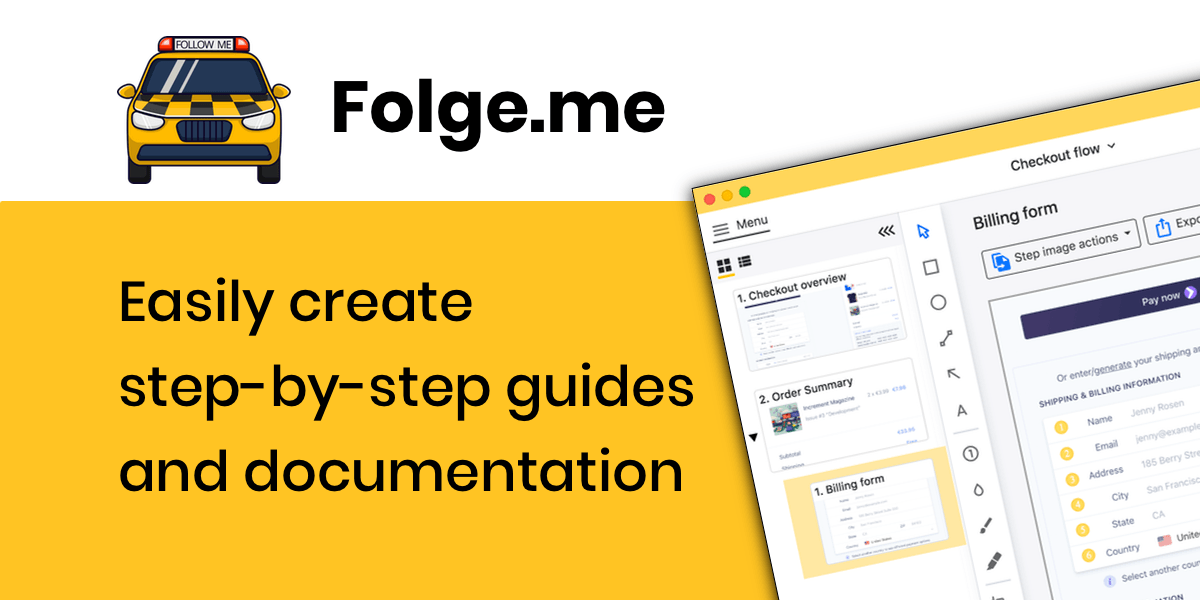
Folge is a desktop app for Windows and Mac that takes a screenshot on every click, in any program, and turns it into a guide you can edit. You can rewrite steps, add arrows, blur private details, and export to PDF, Word or PowerPoint. It works offline, and your guides stay on your computer.
Price: Free to use. $89 once for everything, with no subscription.
The catch: No browser extension and no phone recording.
2. Support Step Recorder
Support Step Recorder is the closest free copy of the old tool. It is open source, runs on Windows, Mac and Linux, and saves a screenshot and what you typed for every click.
Price: Free.
The catch: You get a report to look through, not a document to edit or send as PDF or Word.
3. StepSnap
StepSnap is made as a straight replacement for Steps Recorder on Windows 10 and 11. It makes a report of your steps, and everything stays on your computer.
Price: Free, or €9.99 once for Pro with PDF export.
The catch: Windows only. The free version stops at 50 steps and adds a watermark.
4. OpenSteps
OpenSteps is a free, open source recorder for Windows that lets you edit each step before you export it.
Price: Free.
The catch: An early beta, Windows only, and guides come out as web pages or Markdown, not Word or PDF.
5. StepGrab
StepGrab works on Mac and Windows and makes a guide from your clicks, with numbered arrows on each screenshot.
Price: Free, or Pro for $44.99 once or $12.99 a year.
The catch: The free plan keeps guides to 15 steps and exports GIFs only. PDF needs Pro.
6. Scribe
Scribe is the best-known tool of this kind, and it is very good for anything you do in the browser.
Price: Free in the browser. Desktop recording starts at $25 per person a month, billed yearly.
The catch: Recording desktop programs needs a paid plan, and your screenshots are stored in Scribe's cloud.
7. Tango
Tango works much like Scribe and has a free plan for browser guides.
Price: Free plan. Pro from $15 per person a month, billed yearly.
The catch: Desktop recording needs Pro, and guides live in Tango's cloud.
8. Snagit
Snagit is a strong screenshot editor for Windows and Mac, with ready-made templates for step-by-step guides.
Price: Yearly subscription.
The catch: It does not take a screenshot on each click, so you capture every step yourself.
9. Snipping Tool
Snipping Tool is what Microsoft suggests instead of Steps Recorder. It takes screenshots and records video, and it is already on your PC.
Price: Free, built into Windows.
The catch: It does not make a list of steps.
10. PSR++
PSR++ is a free script for Windows that takes a screenshot on every click and marks where you clicked.
Price: Free.
The catch: You end up with a folder of images, not a guide.
On a Mac
Apple has never made a Steps Recorder. Folge, StepGrab and Support Step Recorder run on Mac as well as Windows, and NeatShot and Shotomatic are made only for Mac. There is more on this in Steps Recorder for Mac.
Which one to pick
You want the old report back. Support Step Recorder is free and works almost the same way. StepSnap is close too, if you are on Windows.
You want a guide to send to people. Folge lets you edit every step and send it as PDF, Word or PowerPoint.
You want open source. Support Step Recorder for a report, OpenSteps for an editable guide, if you don't mind a beta.
Everything happens in the browser. Scribe and Tango are made for that.
If your guides show customer data or anything private, pick a tool that keeps the screenshots on your computer. Folge, StepSnap, Support Step Recorder and OpenSteps all do. More on how Folge handles your data on the security page.
Frequently asked questions
Is Steps Recorder removed from Windows 11?
Not yet. It still comes with most Windows 11 computers, but Microsoft deprecated it in November 2023 and plans to remove it in a future release.
What replaces psr.exe?
Microsoft suggests Snipping Tool, which takes screenshots and video. For a numbered guide made from your clicks, Folge, StepSnap and Support Step Recorder are much closer to what psr.exe did.
Is there a free Steps Recorder alternative?
Yes. Folge is free to use, with PDF export. Support Step Recorder, OpenSteps and PSR++ are free as well.
Is there an open source Steps Recorder?
Yes. Support Step Recorder runs on Windows, Mac and Linux, and OpenSteps runs on Windows. Folge is not open source.
Is there a Steps Recorder for Mac?
Not from Apple. Folge, StepGrab, NeatShot, Shotomatic and Support Step Recorder all turn your clicks on a Mac into steps.
Read how Folge compares with Steps Recorder on its own in Steps Recorder alternative for Windows 11, or see the Scribe alternatives guide.