Steps Recorder for Mac
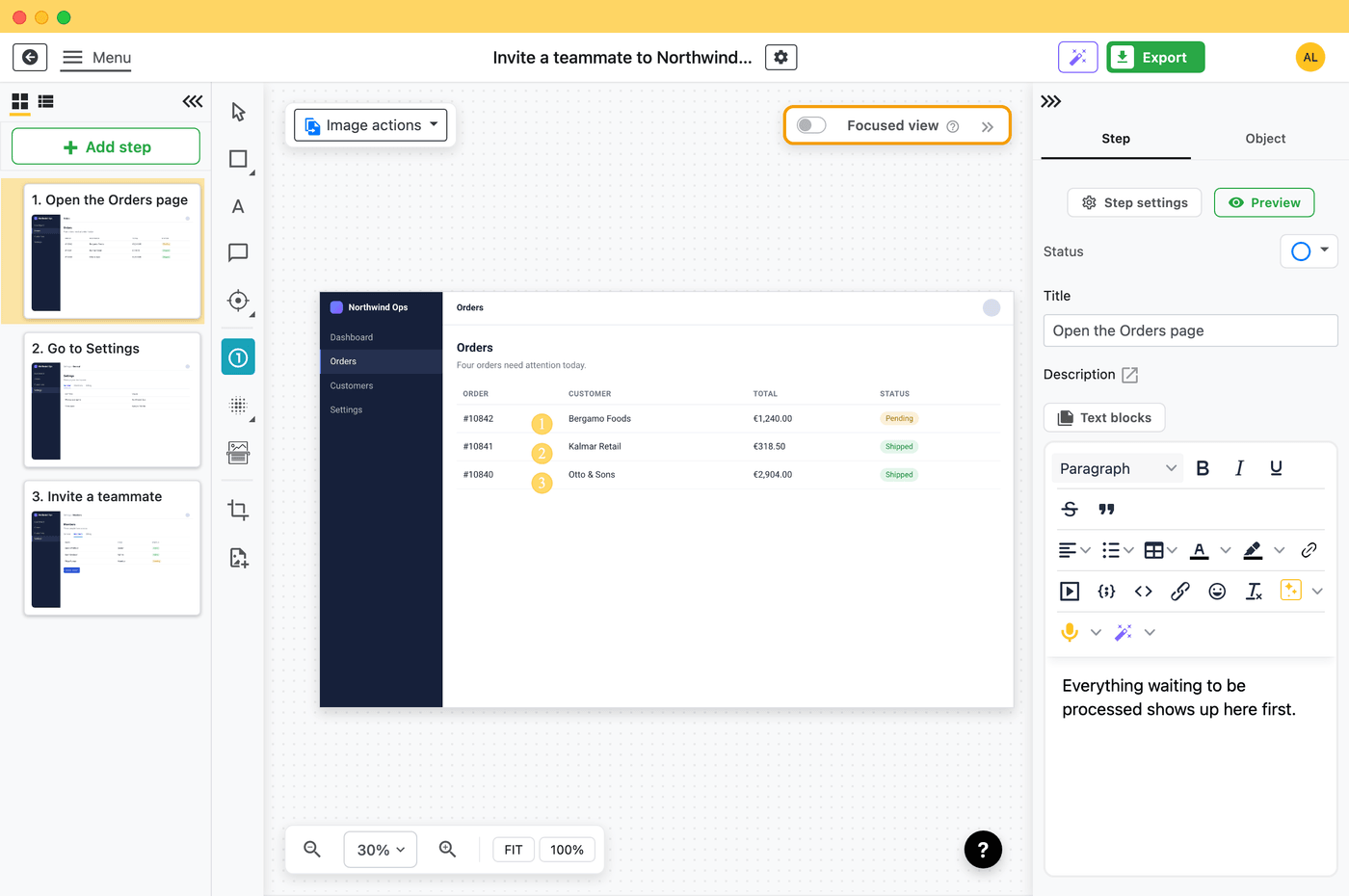
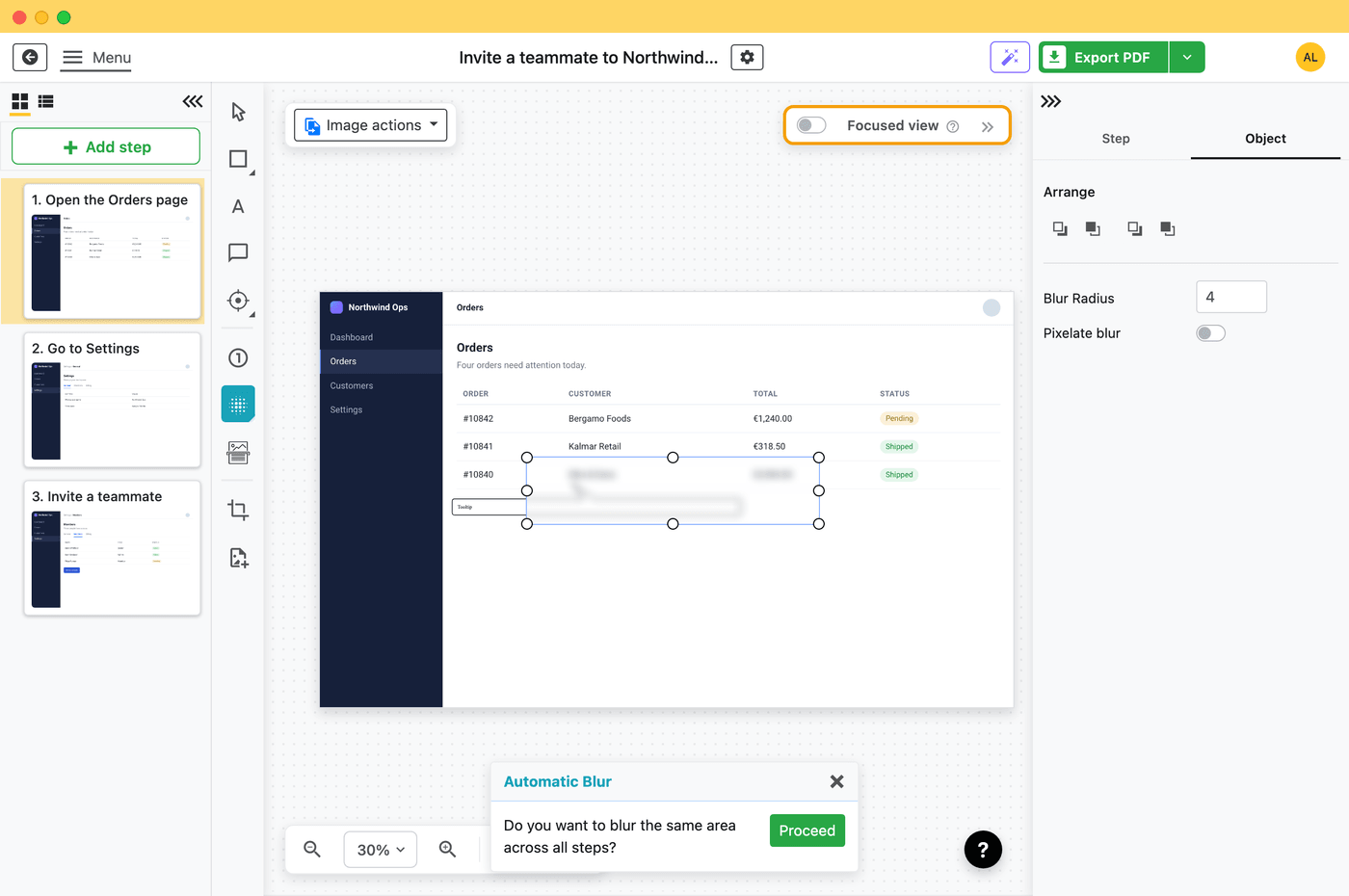
macOS has no Steps Recorder, and its screen recording makes a video, not a list of steps. Folge takes a screenshot on every click in any Mac app and turns it into a guide you can edit.
Free to use. Also on Windows.
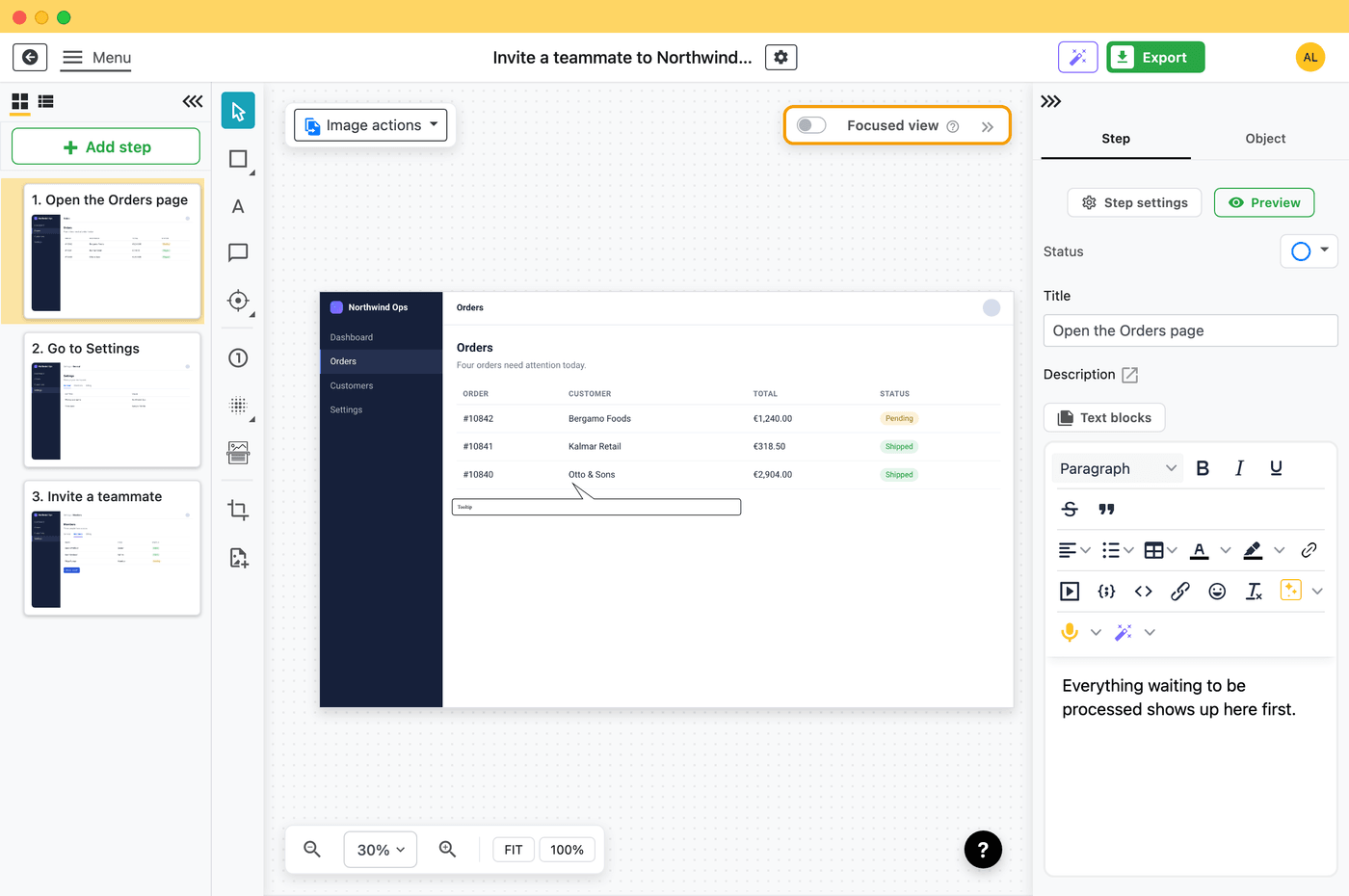
macOS has no Steps Recorder, and its screen recording makes a video, not a list of steps. Folge takes a screenshot on every click in any Mac app and turns it into a guide you can edit.
Free to use. Also on Windows.
The Mac's own screen recording (Shift-Command-5) can show your clicks, but what you get is a video. There is no list of steps, and changing one step means recording the whole thing again.
Windows had Steps Recorder for that, and Microsoft is now retiring it. Folge does the same job on both systems, and keeps going where Steps Recorder stopped: you can edit every step and send the guide as a document.
| Folge | StepGrab | NeatShot | Shotomatic | Support Step Recorder | |
|---|---|---|---|---|---|
| Makes steps from your clicks | Yes | Yes | Yes | Yes | Yes |
| Also on Windows | Yes | Yes | No | No | Yes |
| Yes | Pro only | Yes | Yes | No | |
| Word and PowerPoint | Yes | No | No | No | No |
| Price | Free to use, $89 once for everything | Free up to 15 steps, Pro $44.99 once | Free | $39 once | Free, open source |
NeatShot is free and a good pick if you only use a Mac and PDF is enough. Folge is the one for guides in Word or PowerPoint, for teams on both Mac and Windows, and for publishing to Confluence or Notion. Prices last checked in November 2026.
For Windows tools as well, see Steps Recorder alternatives in 2026.

Folge is a desktop application. Download and use it for free forever or upgrade for lifetime features and support.
The Gold Standard Of Guide Creation
Apple does not make one. Folge does the same job on a Mac: a screenshot on every click, made into a guide you can edit.
No. The Mac's own screen recording can show your clicks, but it makes a video, not a list of steps.
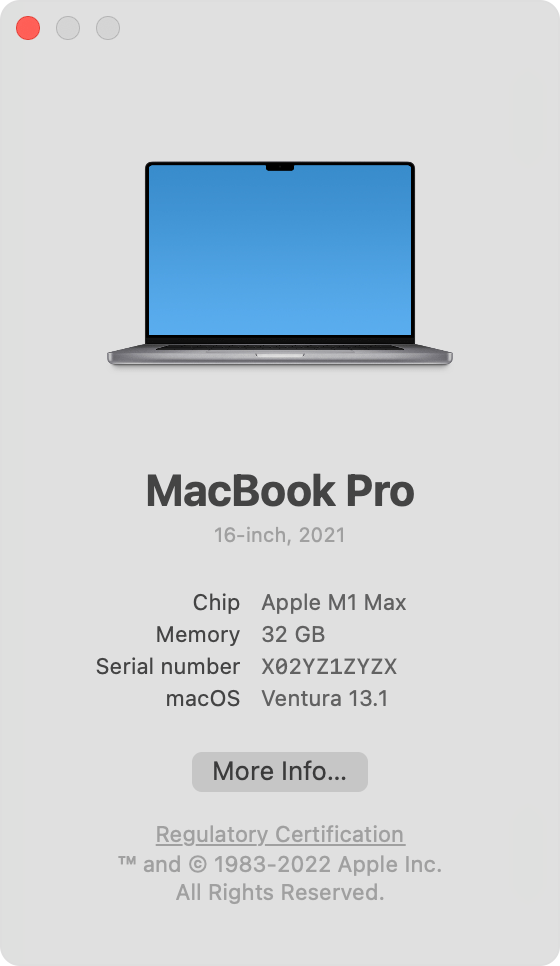
Yes. Folge runs on Apple silicon and Intel Macs.
Yes. Folge is free to use on Mac, with PDF export. All features cost $89 (€75) once, with no subscription.
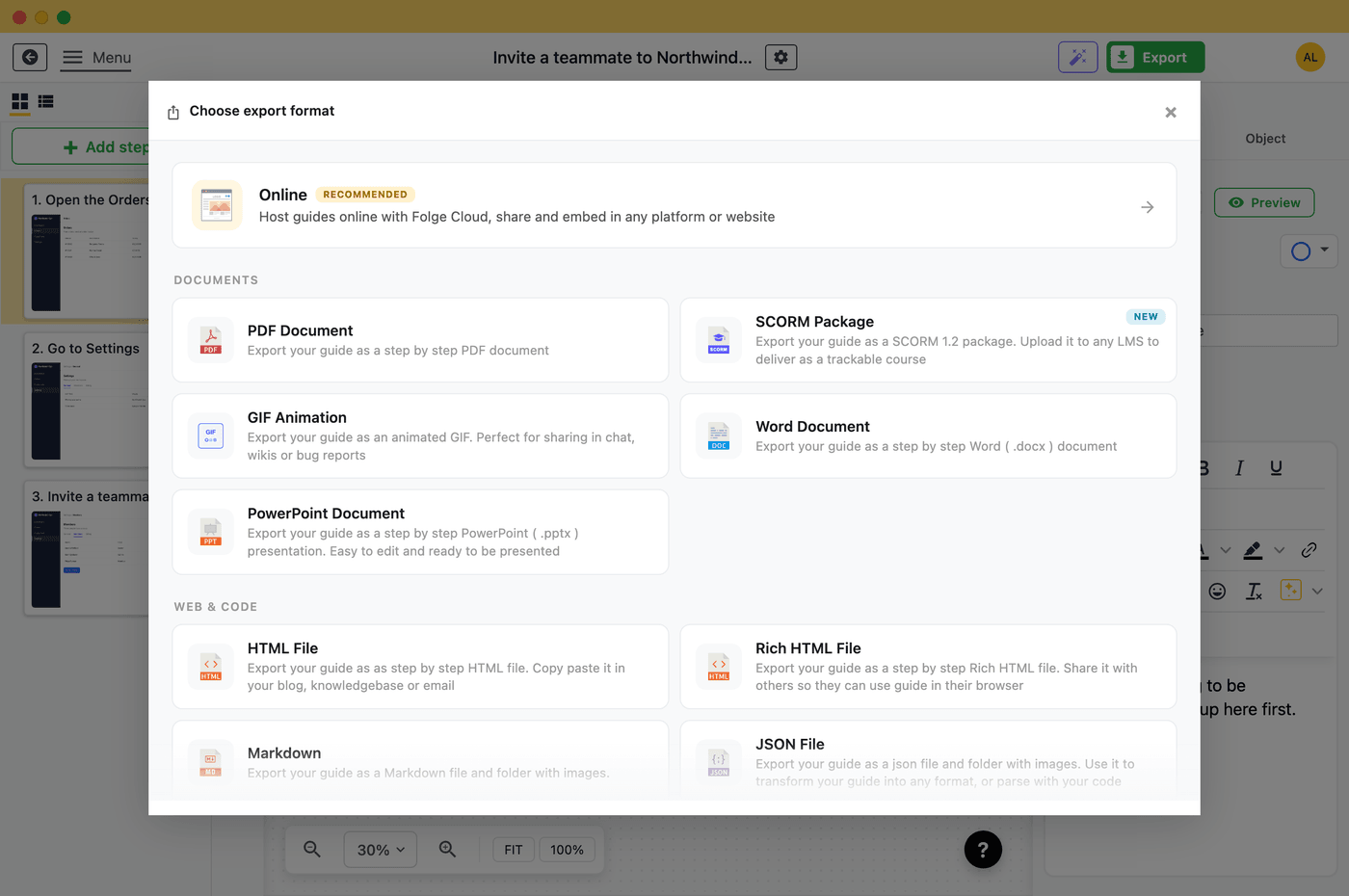
Yes. Folge exports to PDF, Word, PowerPoint, HTML and more, the same on Mac as on Windows.
Yes. Folge records, edits and exports without an internet connection, and your guides stay on your Mac.
Folge is free to use, with PDF export. All features cost $89 (€75) once.
Folge is a desktop application for Windows and macOS that creates step-by-step guides, SOPs and process documentation by capturing a screenshot on every click.
All features · Pricing · Compare with Scribe, Tango and others · Download